
A Blink Shell Alternative for Mobile Coding Workflows
Shell access is a powerful way to work from a mobile device. When the job involves a repository, however, the command line is only one part of the loop. You need to inspect the tree, make an edit, check the output and review the result before it becomes a change someone else depends on.
NimoteCode is an alternative to consider when you want that work to happen in one mobile development workspace: Editor + Explorer + SSH + Terminal + Git + AI Chat and Agent.
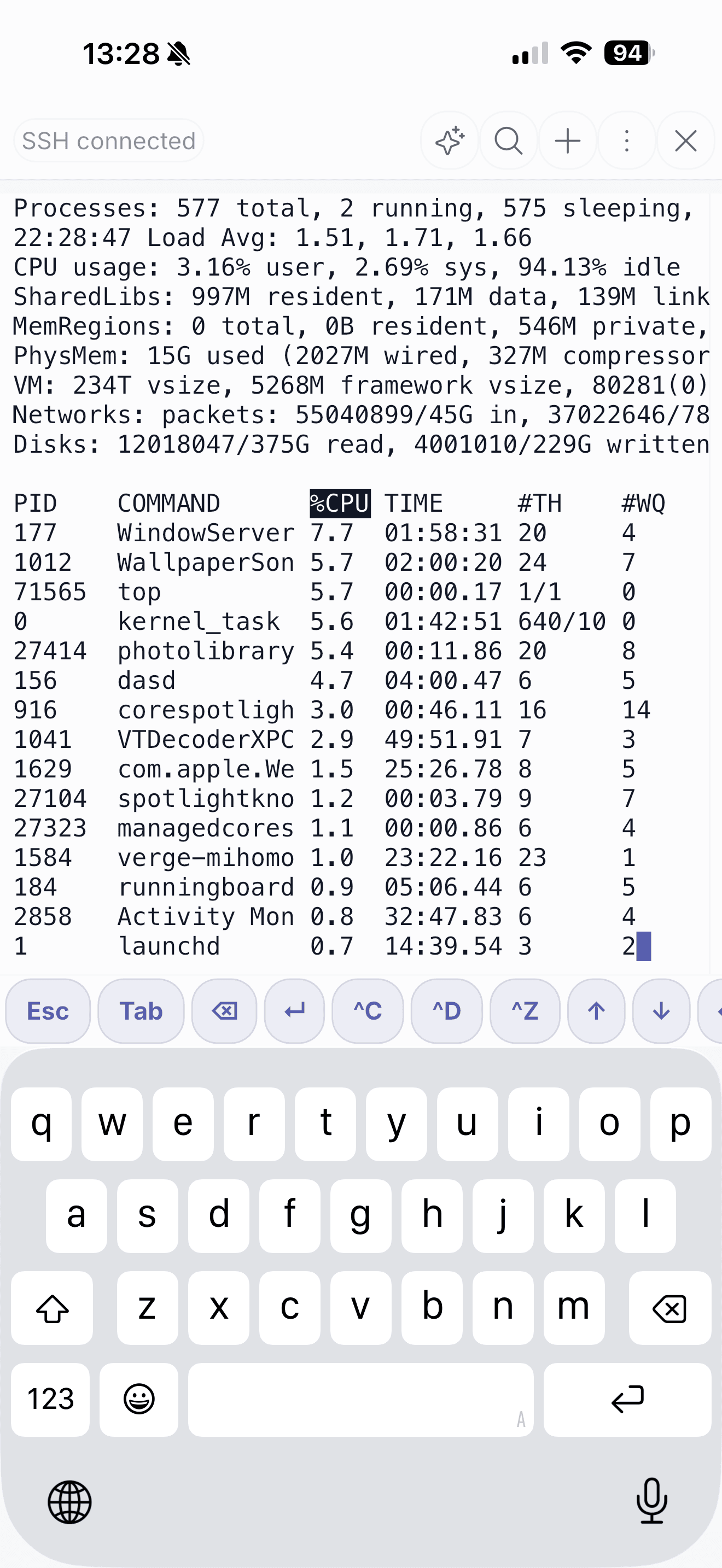
Terminal-first access, workspace-first delivery
NimoteCode keeps the terminal available for the commands you already use, while making the surrounding tasks easier to complete:
- Browse remote project files instead of relying only on paths and shell commands.
- Edit source and configuration files in tabs next to the active task.
- Search project content and terminal output when you are tracing an issue.
- Inspect Git diffs, history and branches before a commit or push.
- Use workspace-aware AI assistance for explanation, planning and controlled multi-step work.
The result is useful for mobile on-call work, a quick configuration correction, a review after a CI alert or a small remote fix. Read SSH remote development workflow for the complete flow.
Choose by the work you need to complete
If a high-quality terminal is the whole requirement, select the terminal experience that suits your platform and habits. If the real requirement is to finish a coding task from the same device, evaluate a workspace where code, SSH, terminal and Git are already connected. That is where NimoteCode is designed to help.
Blink Shell is a trademark of its respective owner. This page is not affiliated with Blink Shell and does not assert feature parity.
Keep the terminal, project and Git review together when the task cannot wait for a laptop.