
Mobile AI Coding That Stays Connected to the Work
Mobile AI coding should be more than sending a pasted code snippet to a chatbot. The answer becomes useful when you can inspect the project, apply a focused change, run a command and review the diff without losing context.
NimoteCode puts AI Chat and AI Agent inside a Mobile AI Development Workspace with Editor, Explorer, SSH, Terminal and Git. That means AI can support the task where it happens, whether the workspace is local or connected to a remote host.
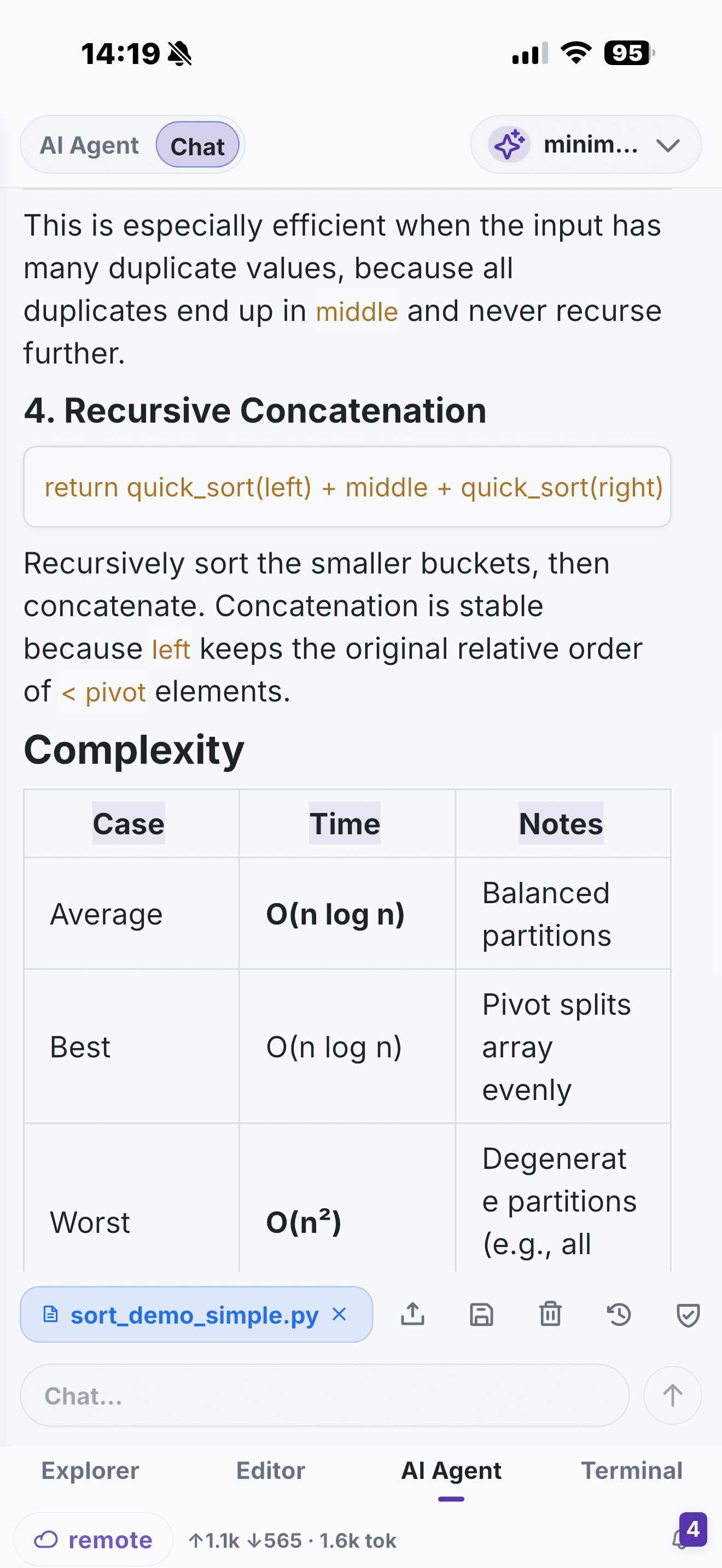
AI Chat for understanding and planning
Use AI Chat when you want to stay in control of the steps: explain an error, clarify a function, map out a refactor or prepare a test plan. The active file and workspace make a better starting point than a copied fragment, and you can move from the explanation directly into the editor or terminal.
AI Agent for controlled multi-step work
AI Agent is for tasks that naturally span several actions: inspect relevant files, propose edits, run a check and summarize the outcome. It is not a reason to skip review. NimoteCode is built with controlled execution and confirmation-oriented workflows so you can inspect commands and changes—especially in remote SSH workspaces.
For feature availability and provider configuration, see AI Chat and Agent and Security and Safety.
Why the surrounding workspace matters
| AI coding need | Mobile workspace advantage |
|---|---|
| Understand an error | Read the code, inspect terminal output and ask a question in one place |
| Prepare a small fix | Move from an AI plan to the precise file and test it immediately |
| Work on a remote project | Keep SSH, remote files and agent context together |
| Review generated changes | Inspect Git diff before a commit or push |
| Continue while mobile | Preserve the current task instead of reconstructing it across apps |
AI makes mobile work more useful when it reduces the cost of context switching. The workspace still gives you the engineering controls: source files, shell output, Git history and deliberate verification.
Good use cases for mobile AI coding
- Explain an unfamiliar service while you are on call.
- Plan a narrow production fix before you edit.
- Interpret a failed command or diagnostic message.
- Review a small change and write a clear commit message.
- Continue an SSH-based task from a phone or tablet when a laptop is not available.
Where mobile AI coding is limited
AI on a phone does not change the engineering fundamentals. Large, cross-cutting refactors are harder to reason about on a small screen, and long agent runs still benefit from a desktop viewport. AI suggestions must be verified against the real project — an LLM cannot see your running service. And for remote, production-adjacent work you should keep command and change confirmations on. Use mobile AI coding for narrow, well-scoped tasks; keep the big design work on a desktop.
Frequently asked questions
How is mobile AI coding different from a standalone AI chat?
NimoteCode keeps AI Chat and Agent alongside the editor, project Explorer, SSH terminal and Git context, so suggestions can be inspected and verified in the real workspace.
Can AI Agent make changes in a remote workspace?
AI Agent can assist multi-step tasks, but remote and production-adjacent work should be reviewed with command and change controls enabled.
Does AI replace Git review?
No. AI can help explain, plan and assist a task; Git review and appropriate test or verification commands remain part of the delivery workflow.
Use AI alongside the editor, terminal and Git context that makes its answer actionable.