
Mobile IDE for SSH, Git and AI Coding
Most mobile coding tools solve one part of the job: open a file, connect to a server, or run a command. A mobile IDE should keep the whole development loop together: explore the project, understand the code, make a change, verify it, and review what will ship.
NimoteCode is a Mobile AI Development Workspace for that loop. The Android and iOS releases bring an Editor, Explorer, SSH, in-app web and media preview, Terminal, Git, AI Chat and Agent into one workspace. On supported Android devices, Local Linux also provides a bundled Ubuntu environment with Bash, Git, and SSH without root access.
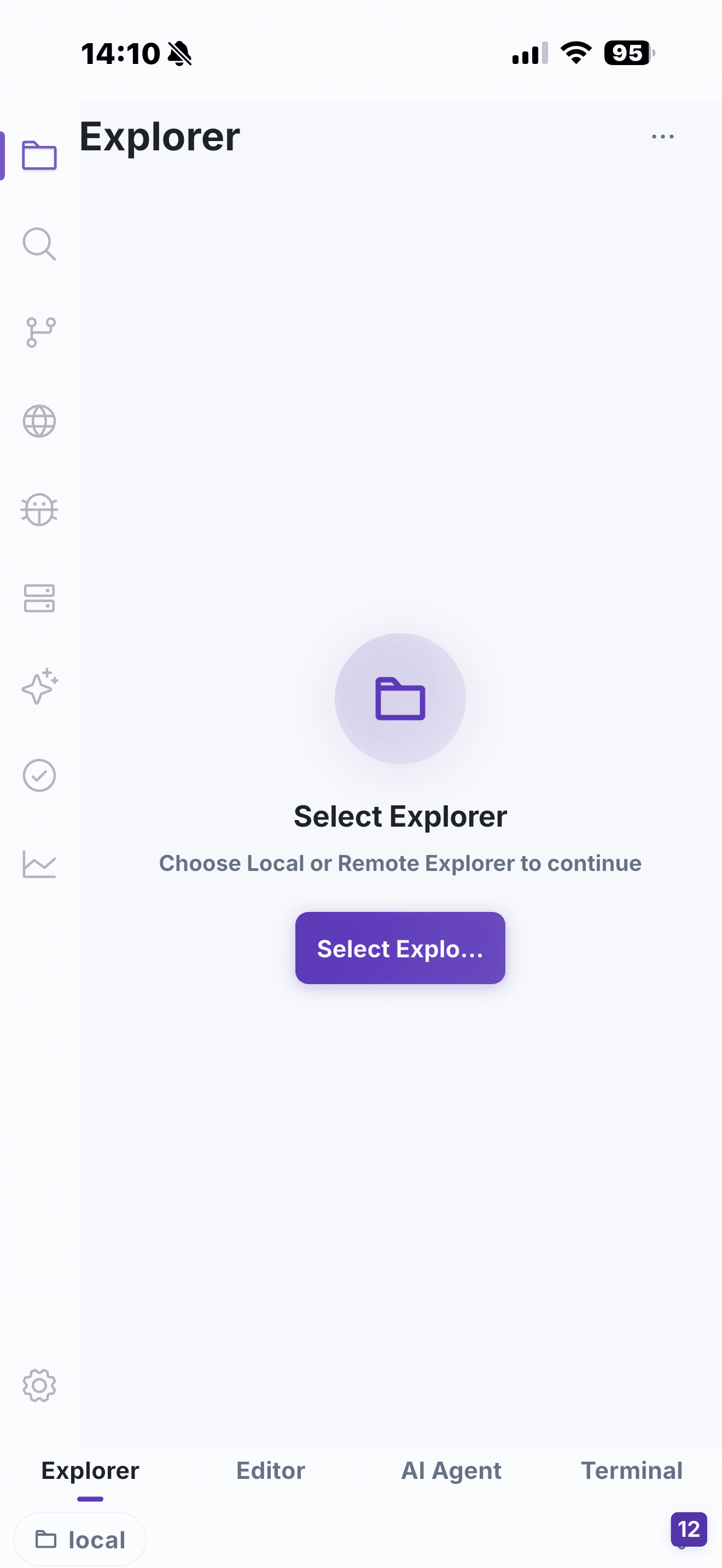
What makes a mobile IDE useful for real work?
| Need | A single-purpose app | NimoteCode workspace |
|---|---|---|
| Understand a project | Open individual files | Browse the project in Explorer and keep files in tabs |
| Work remotely | Switch between an SSH app and editor | Connect to an SSH workspace and work on its files |
| Validate a change | Copy commands into another app | Run commands in the workspace terminal |
| Preview a web change | Switch to a separate browser | Open a local or remote web project from the workspace or a Terminal URL |
| Compare related code | Flip between files | Keep two files visible in split editor panes |
| Ship carefully | View a raw diff elsewhere | Review Git changes next to the edited code |
| Get help | Paste snippets into a separate AI chat | Use AI Chat or AI Agent with workspace context |
The goal is not to replace a desktop for every long coding session. It is to make the moments when you only have a phone or tablet productive: an on-call investigation, a small production fix, a review while travelling, or an AI-assisted follow-up to work already in progress.
A complete workflow, without app hopping
Start in Local Explorer when the project is on your device, use Local Linux when you need bundled Ubuntu on a supported Android device, or connect through SSH Workspace to a remote development machine or server. From there, open files side by side in the editor, preview the current HTML contents before saving or open a local or remote web project when needed, run tests or inspection commands in Terminal, and use Source Control to inspect the resulting diff.
When a task needs more context, AI Chat and Agent can explain code or plan a change. AI Agent is designed for controlled multi-step work; in an SSH workspace it can also use a configured compatible external ACP runtime. You can inspect what it proposes and keep the final decision in your hands.
Built for mobile constraints
Good mobile development is not desktop UI squeezed onto a small screen. NimoteCode is designed around touch, mobile keyboards, focused panels and reconnect-aware remote work. The current release also makes long sessions steadier with more resilient SSH handling, bounded preview resources, and more reliable mobile terminal input. On a tablet, the larger display gives you more room for split editing, project navigation and terminal output; on a phone, the same workspace stays focused on the next action.
For feature details, see Features. For SSH setup and project access, see SSH remote development workflow. For setup instructions, start with Quick Start.
Where the desktop still wins
A mobile IDE is a complement, not a full replacement. Long, uninterrupted feature work, heavy local compilation, extensive multi-file refactors and multi-monitor debugging remain better on a desktop. On a phone, focus narrows naturally to the next concrete step: inspect, edit, verify, review. That division of labour is why remote development over SSH — reusing the computing power you already have — is usually the productive path instead of trying to compile large projects locally on a phone.
Frequently asked questions
Is NimoteCode just an SSH client?
No. NimoteCode combines Editor, Explorer, SSH, Terminal, Git, AI Chat and Agent in one mobile development workspace.
Can I work on a remote project from a phone or tablet?
Yes. Connect through SSH, inspect files, edit code, run terminal commands and review Git changes in the same workspace.
Is NimoteCode available for Android and iOS?
NimoteCode is available for Android on Google Play and for iPhone and iPad on the App Store.
Carry the real workflow, not just a terminal. See the mobile IDE in action or choose your platform.