
iPad Coding with a Real Development Workspace
An iPad gives you more screen space than a phone, but coding from iPad still works best when the workspace is designed for it. You need an easy way to move between the project tree, code, terminal output and Git changes without losing the thread of the task.
NimoteCode brings those tools together on iPad as a Mobile AI Development Workspace: Editor + Explorer + SSH + Terminal + Git + AI Chat and Agent. It is available on the App Store with the same feature set as the Android release.
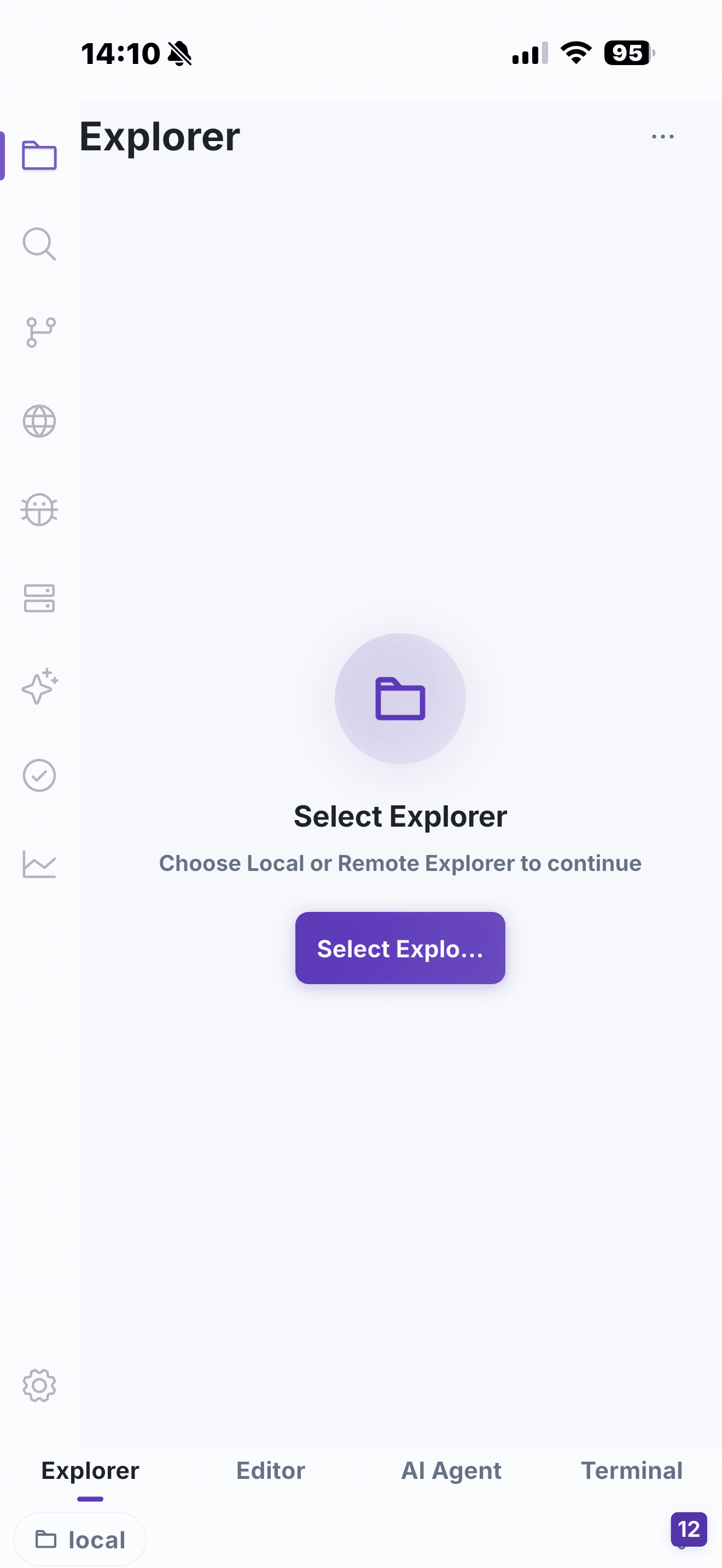
A productive iPad coding loop
Use the larger screen for context
Start from Explorer to keep the project structure visible, then open related files in editor tabs. On a tablet, that extra visual room makes it easier to follow a code path or compare a configuration change with the command output that motivated it.
Keep the remote environment close
Connect to a project with SSH Workspace, then use Terminal for the commands that validate your understanding: tests, log checks, build output or service status. You do not need to turn the iPad into a desktop replacement to make a short, focused task meaningful.
Review before you ship
Use Git and Source Control to inspect the diff produced by your edit. This is particularly useful for iPad coding because it closes the loop inside the same workspace instead of making review an afterthought.
Where AI fits
AI is most useful when it has a clear job: explain an unfamiliar module, turn an error into a debugging plan, or propose the next small change. AI Chat and Agent are integrated with the development workspace so the conversation can stay connected to the actual file and task. Keep command and change review enabled for remote or production work.
See how an iPad-friendly workspace handles a real remote change.