
Mobile Git Source Control
Source Control brings the reviewable part of Git into the workspace where you edited and verified the change. Repository status, diffs and history are available to all users. Pro is required only when a delivery step needs a gated Git write workflow—not as a substitute for your team’s review and branch policies.
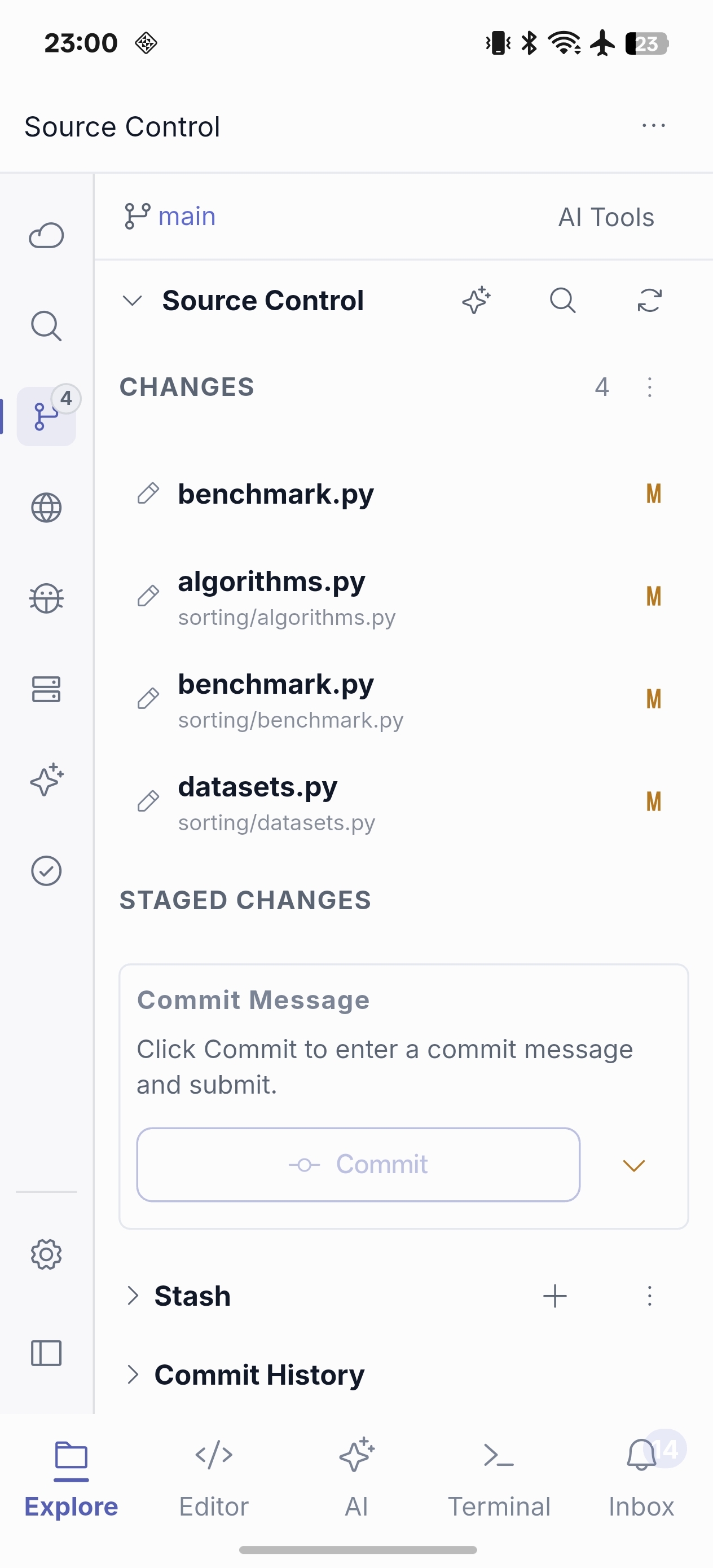
What you can do
- Review staged, unstaged and conflicted files.
- Inspect file diffs and repository history.
- Refresh local and remote repository status in the active workspace, including first-commit repositories.
- Stage selected work and prepare a commit after reviewing the diff.
- With Pro, use gated Git write actions such as commit, push and stash when repository and host permissions allow it.
- Use Git AI to help explain a change, draft a commit message or prompt a risk-oriented review.
A deliberate mobile commit flow
- Save the edit and verify it in Terminal.
- Open Source Control and read the diff—not only the generated summary.
- Stage the intended changes and write or generate a commit message.
- With Pro access, commit, then pull or push only if it is appropriate for your repository workflow.
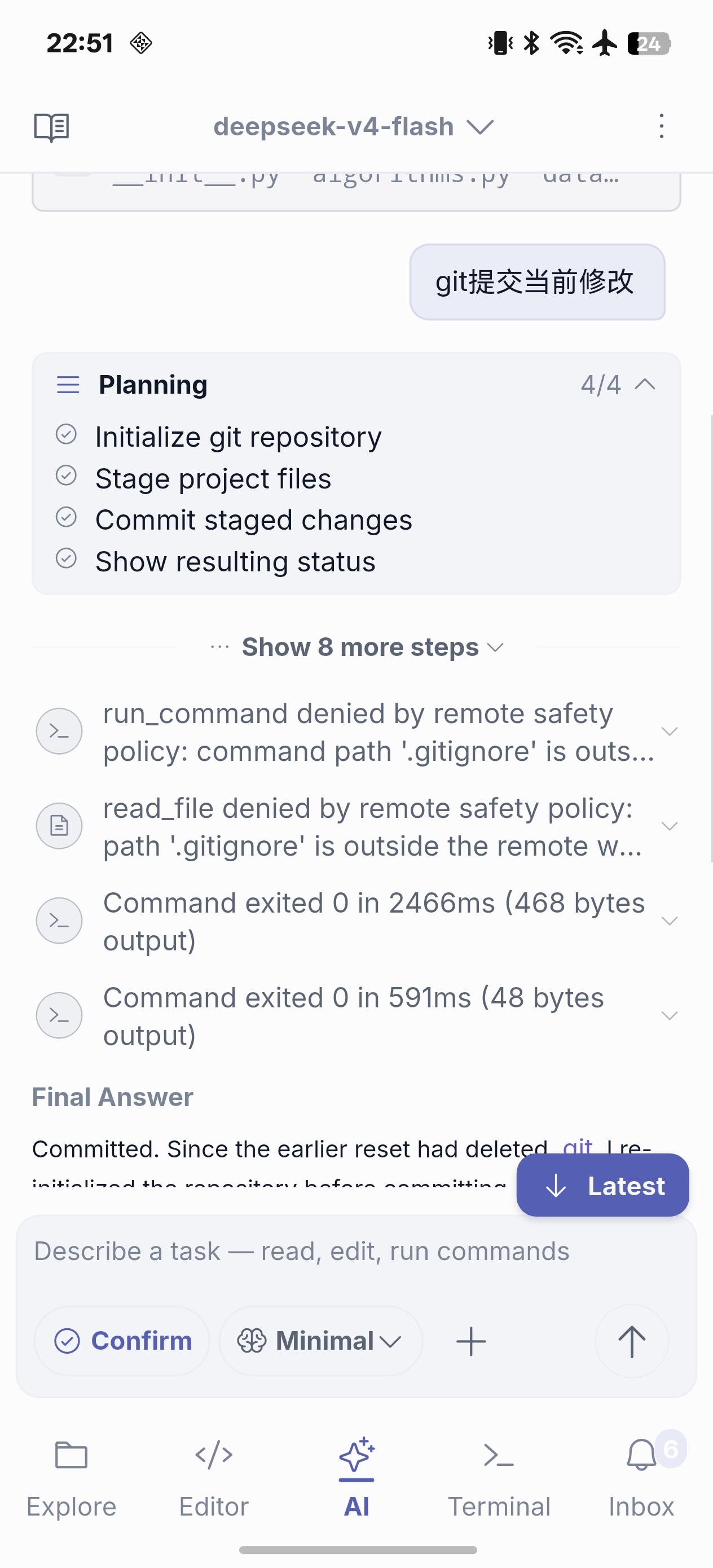
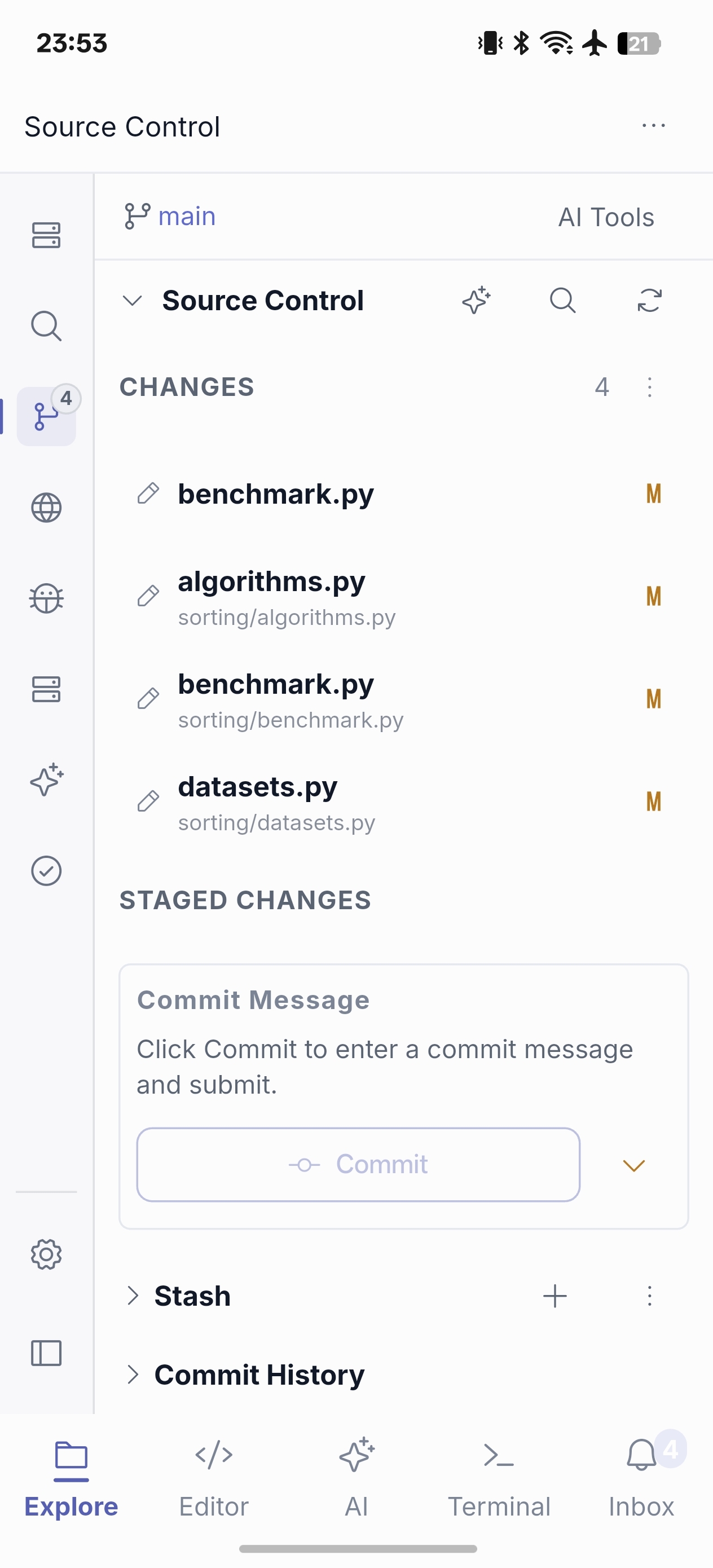
AI assistance can make a review faster, but it cannot validate environment-specific intent. Keep branch protection, CI and human review in the workflow where your team requires them.
See SSH remote development workflow, AI Chat and Agent, and Compare Free and Pro.