
AI Chat and Agent
NimoteCode separates direct AI help from AI-assisted execution. AI Chat is for a fast answer in context; AI Agent is for work that needs several deliberate steps across files, terminal or Git tools.
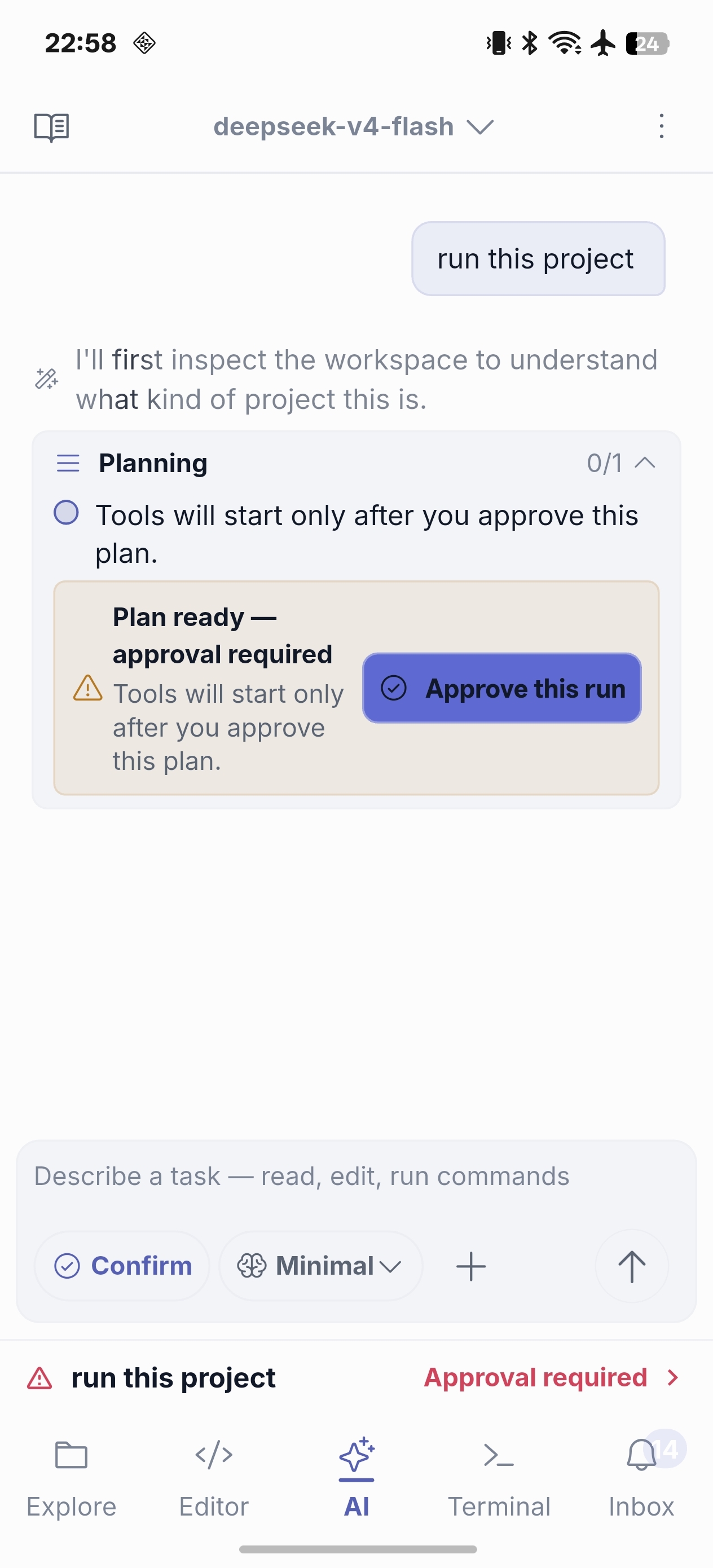
Use AI Chat for the next decision
Ask Chat to explain unfamiliar code, interpret terminal output, outline a refactor, or review an idea before you change a file. Keeping the relevant file active gives the conversation useful workspace context. Recent tasks and workspace context stay visible in Chat, while a compact global indicator keeps active Agent work visible as you move between panels.
Use AI Agent for a controlled sequence
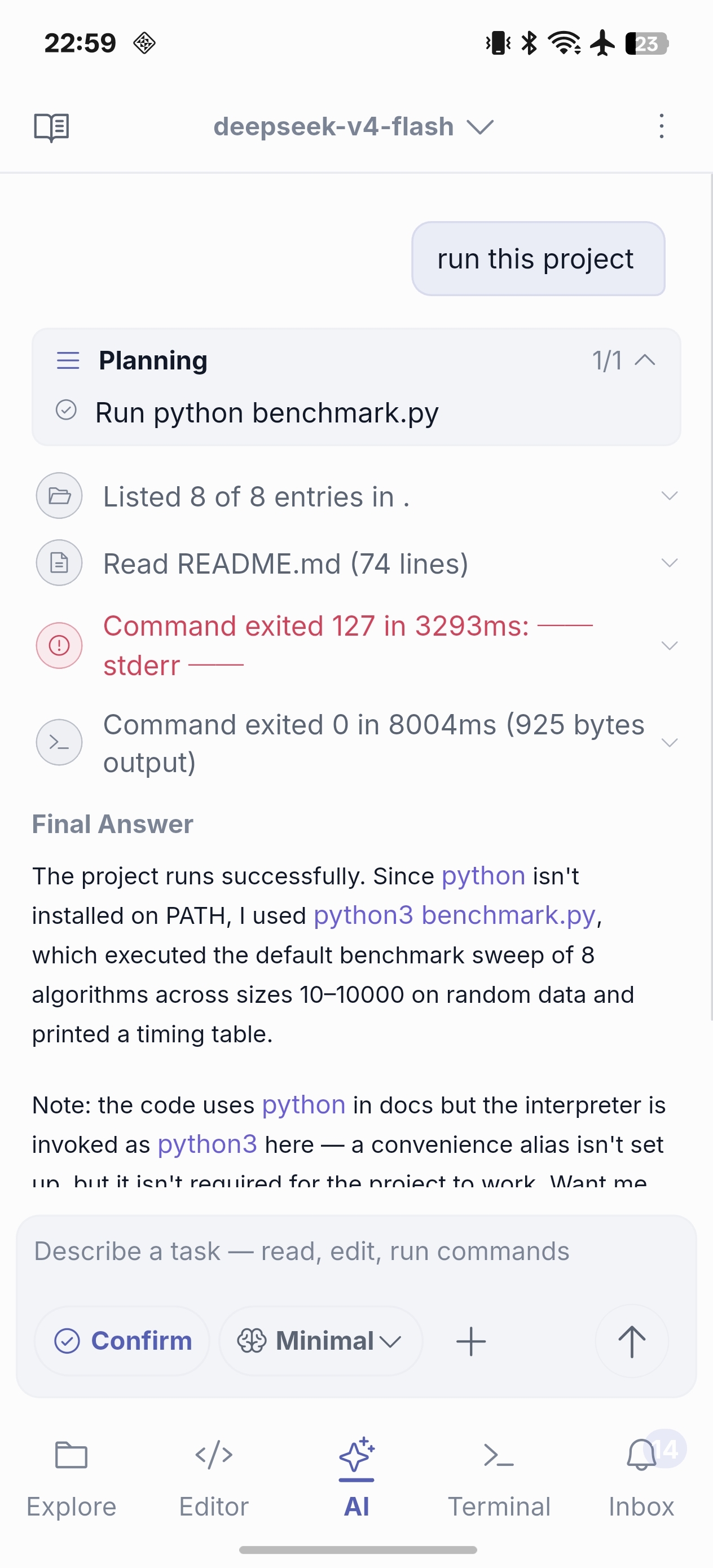
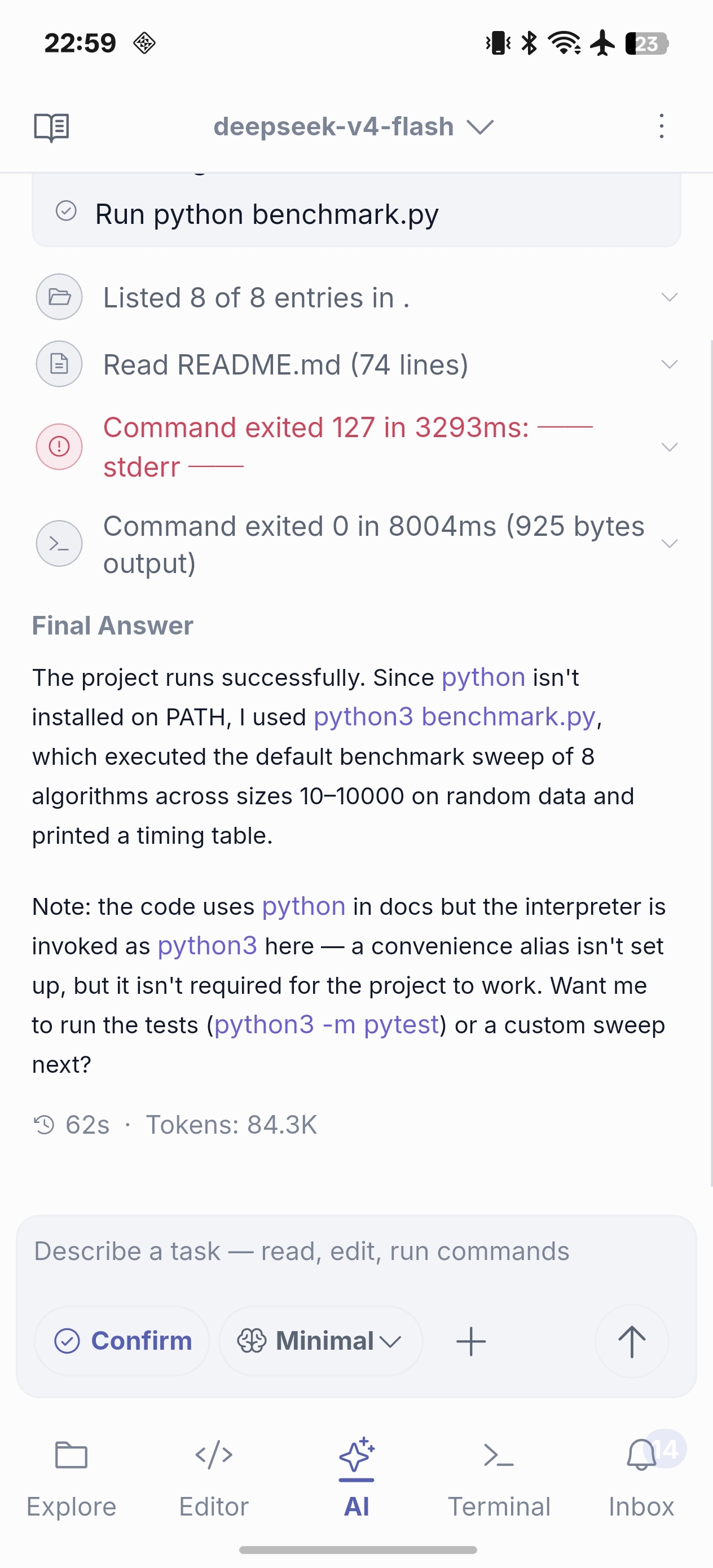
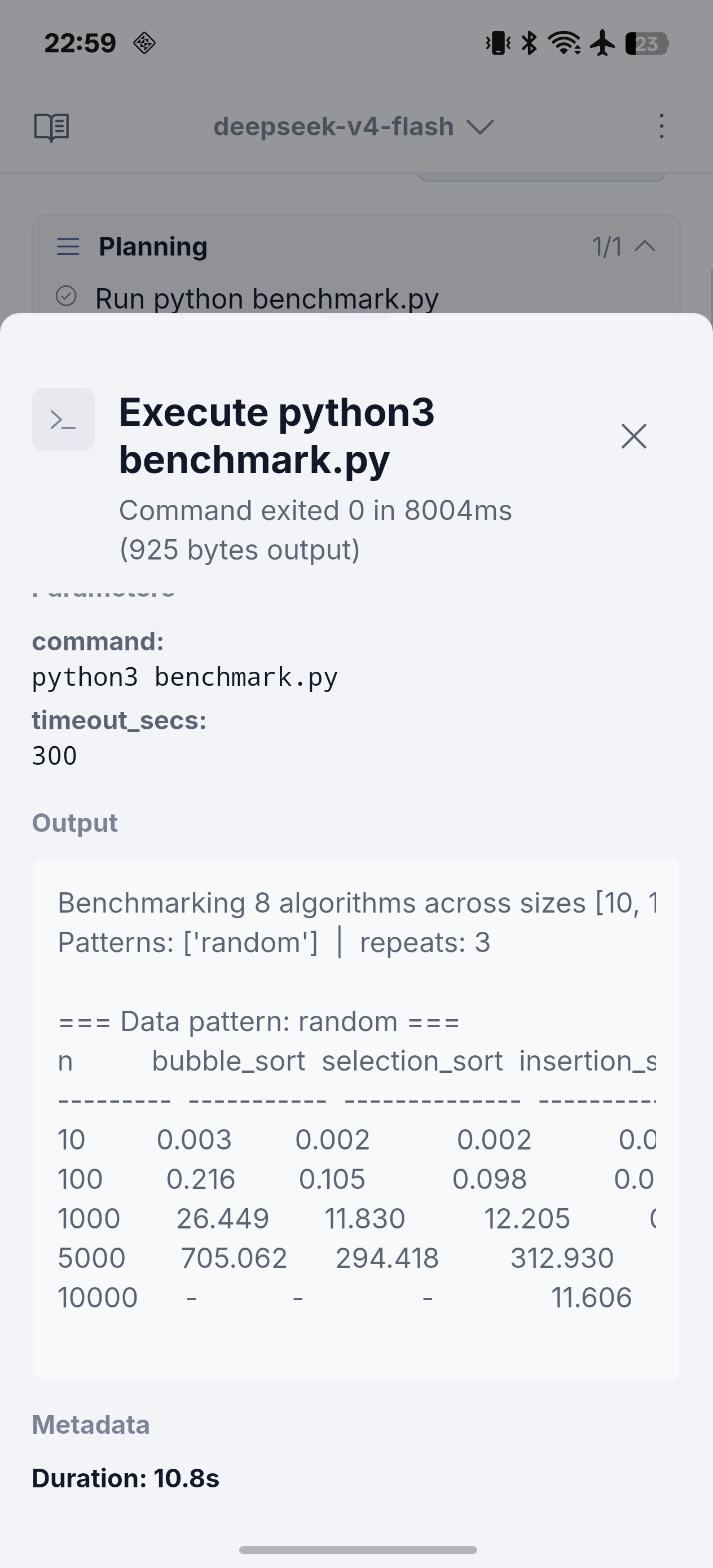
Agent is appropriate when a task needs to inspect files, propose a plan, make an edit, run a check and summarize the result. It is available through Early Access Pro as availability expands; it does not use a free usage quota.
Use an external ACP agent in an SSH workspace
When a compatible ACP runtime is available on the SSH host, choose it alongside the built-in Agent. NimoteCode presents its capabilities, permission requests, session state, and running progress in the same conversation experience. Type / in the composer for built-in session actions and commands reported by the active ACP session. The runtime stays on your SSH host; make sure its command and environment are configured there before starting.
Configure providers deliberately
Provider profiles hold connection and model settings such as endpoint, API credential, model, streaming and context behavior. You connect your own AI provider and API key; NimoteCode does not bundle model access or tokens. Keep a working primary profile and a tested backup profile. See Configuration for a practical checklist.
For an SSH workspace, Terminal, external ACP agents, Tasks, Debug, language servers, Git, and external CLIs share the remote account's login environment. Use Refresh Remote Environment from the Terminal menu after changing shell configuration; reconnection also refreshes it. Diagnostic output masks API keys, tokens, secrets, and passwords.
Review commands and file changes before applying them, particularly in a remote or production-adjacent workspace. The app’s validation and locking layers support controlled work; they do not transfer operational responsibility away from the user.
Continue with AI Agent demo · Security and Safety · Mobile AI Coding