
How to Use Codex From Your Phone
Coding agents are most useful when they are close to the repository, terminal and test environment they need. If Codex is set up on a remote development host, an SSH-based mobile workspace lets you continue that work from your phone without reducing the task to copied snippets.
NimoteCode combines an Editor, Explorer, SSH Terminal, Git, AI Chat and Agent so you can work around a remote Codex session with the same project context: open the source, run the command, inspect the output and review the actual diff.
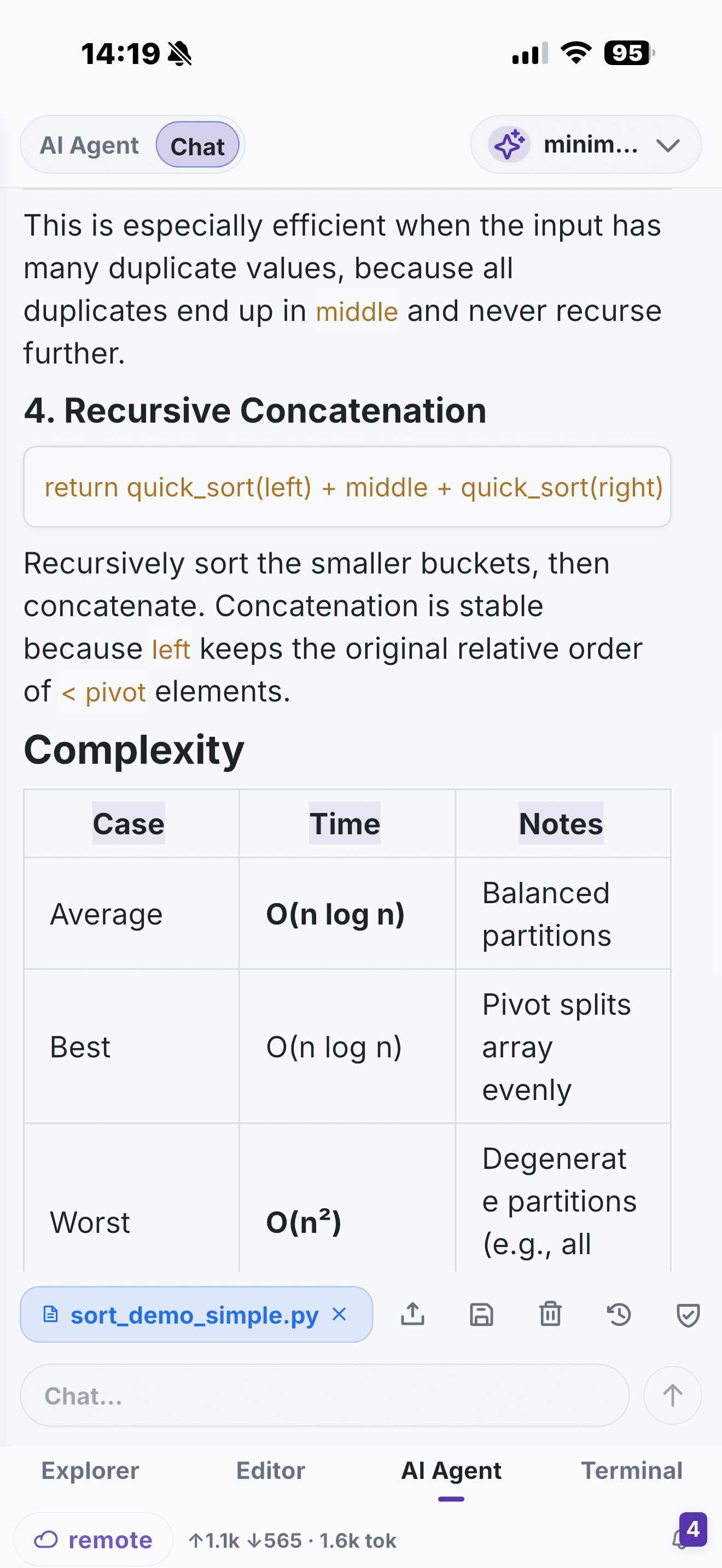
A phone-friendly Codex workflow
- Set up Codex on your remote development host with the credentials and controls required by your organisation.
- Open the repository in NimoteCode through SSH Workspace.
- Start or resume the Codex session from the SSH terminal when that is how your host is configured.
- Use Explorer and editor tabs to inspect the files being discussed or changed.
- Run focused tests or checks in Terminal.
- Review the staged and unstaged result in Source Control before you commit or push.
NimoteCode is not presented as a replacement for Codex or its official setup. It is the mobile workspace that keeps the surrounding development work connected and reviewable.
Use OpenAI-compatible AI in the workspace
NimoteCode also supports AI provider configuration for its in-app AI Chat and Agent workflows. That can be useful when you want workspace-aware explanation, planning or controlled automation alongside your SSH session. See AI Chat and Agent for provider configuration and Security and Safety for execution controls.
Keep the task narrow and observable
On a phone, speed comes from reducing context switching, not from skipping safeguards. Prefer one clear objective at a time, read the file before accepting an edit, run the smallest appropriate verification command and inspect the Git diff. This pattern works whether Codex is assisting a feature, a refactor or an incident response.
Limitations of this workflow
Codex must already be set up on a host you can reach by SSH; a phone does not run Codex locally. That means the workflow inherits your network, host configuration and Codex account limits. Long or exploratory agent sessions are easier to supervise on a desktop, so on a phone keep each run narrow and observable. NimoteCode is an independent mobile workspace — it does not proxy Codex, and Codex's own setup and controls still apply.
Frequently asked questions
Do I need NimoteCode to use Codex from my phone?
No. NimoteCode is the mobile workspace around a remote Codex session — Explorer, editor, SSH terminal and Git review — while Codex is installed and authenticated on your own development host.
Is Codex an official partner of NimoteCode?
No. Codex is an external coding agent. NimoteCode does not claim an official partnership or that it proxies Codex; you run Codex on the remote host and work around it over SSH.
Can I use an AI assistant in NimoteCode instead of Codex?
Yes. NimoteCode has its own AI Chat and Agent workflows with provider configuration, which can be used in addition to, or instead of, a remote Codex session.
Keep the project, command output and Git review with you when you use Codex remotely.