
How to Use Claude Code From Your Phone
If your development machine already has Claude Code installed, you can use your phone to stay connected to that workflow over SSH. The challenge is not only seeing the CLI output. You also need to inspect the files it discusses, validate its suggestions and review the resulting changes.
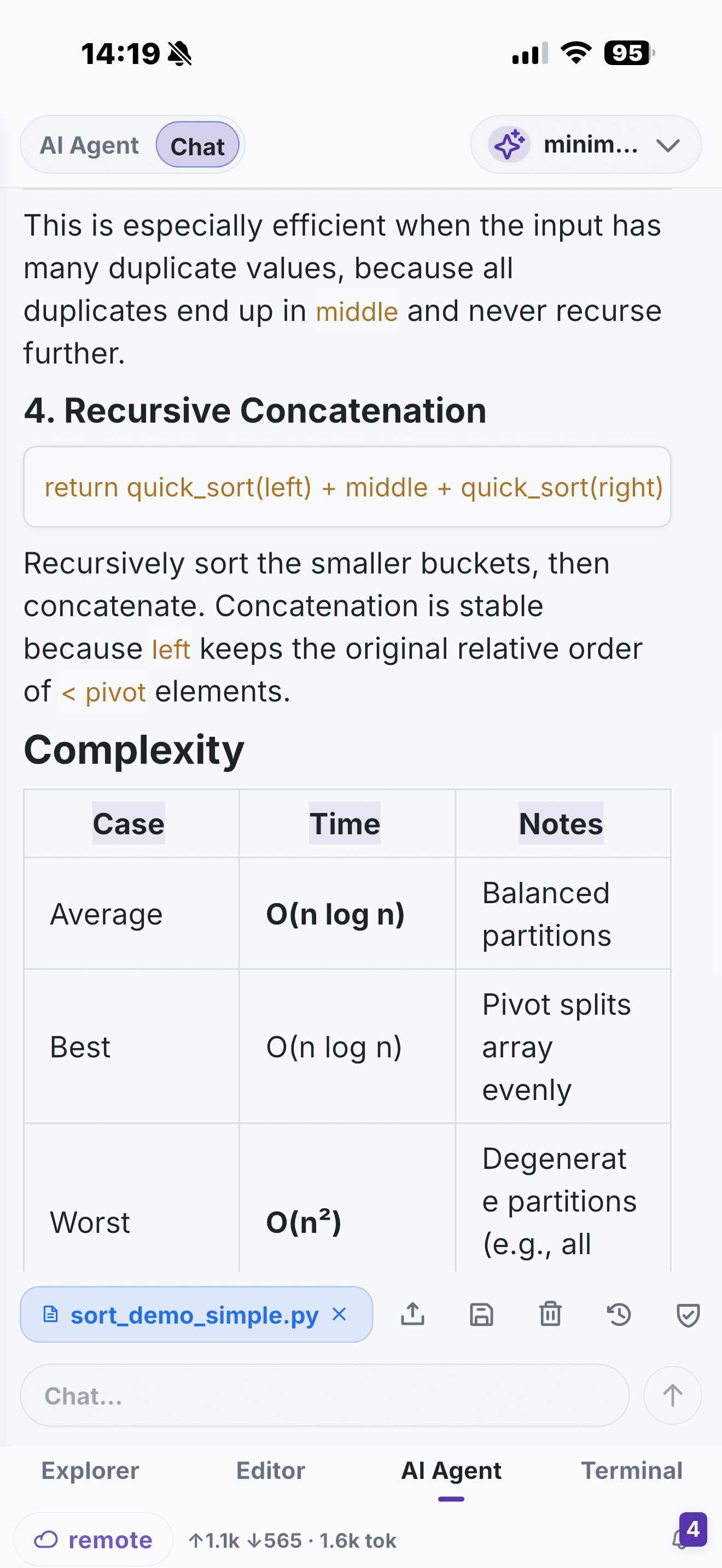
NimoteCode gives you a mobile workspace around that remote session: Explorer for the repository, Editor for the files, SSH Terminal for commands, Git for review and its own AI assistance for code questions and controlled tasks.
A practical remote-host setup
- Install and authenticate Claude Code on the remote development host according to its own documentation.
- In NimoteCode, connect to that host with an SSH Workspace profile and select the project root.
- Open the project in Explorer and use the SSH terminal to start or continue your Claude Code session.
- Use the editor to inspect the files and changes under discussion.
- Run the project's checks in Terminal, then review the diff in Source Control before commit.
This is a remote-terminal workflow: NimoteCode does not claim to be the Claude Code product or to replace Claude Code's own setup. It makes the surrounding project work more manageable from a phone or tablet.
Keep the agent grounded in verification
An agent can accelerate a narrow task, but it cannot remove the need to understand the environment. On mobile, a good habit is to keep each loop small: ask for the plan, inspect the touched file, run the relevant check, and review Git before shipping. If the task is production-adjacent, use confirmations and follow your team's deployment process.
When NimoteCode is useful alongside Claude Code
- You need to investigate a repo while travelling or on call.
- Claude Code is running on a Linux development host you can reach by SSH.
- You want a project explorer and Git review view next to the terminal session.
- You need to turn an agent suggestion into a verified, reviewable change.
For AI provider setup inside NimoteCode itself, see AI Chat and Agent. For broader guidance, read Mobile AI Coding.
Limitations of this workflow
This setup assumes Claude Code already runs on a host you can reach by SSH, so a phone connects to that host rather than running the agent locally. It depends on the same things remote development always does: a reachable host, a stable connection and your own Claude Code credentials. Long-running agent sessions are still easier to supervise on a desktop; on a phone, prefer short, narrowly scoped loops. NimoteCode is not Claude Code and cannot fix issues inside Claude Code's own configuration.
Frequently asked questions
Do I need NimoteCode to use Claude Code on my phone?
No. NimoteCode is a mobile workspace that keeps the surrounding project work connected over SSH — Explorer, editor, terminal and Git review — while Claude Code itself runs and authenticates on your own development host.
Does NimoteCode run Claude Code for me?
No. NimoteCode is not the Claude Code product and does not replace its setup. You install and authenticate Claude Code on the remote host, then use the SSH terminal to start or continue a session.
Can I run Claude Code from a phone without a remote computer?
Not with this workflow. Claude Code runs on a host you reach by SSH, so a phone connects to that host rather than running the agent locally.
Bring your SSH project, terminal and review workflow to the phone.