
Remote Hotfix from Mobile
A production-adjacent fix should remain a controlled development workflow, even when it starts on a phone. NimoteCode keeps the project, terminal evidence and optional Git review in the same mobile workspace.
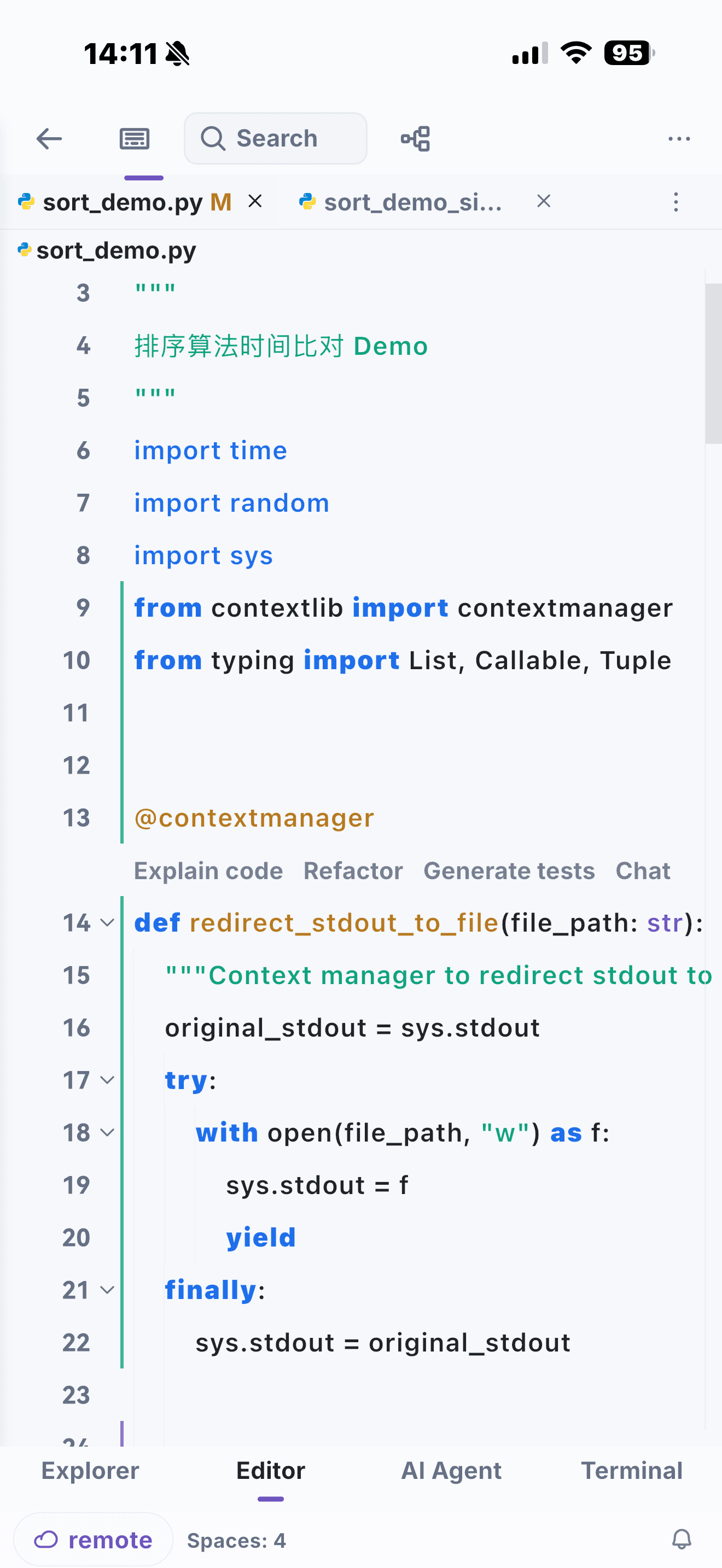
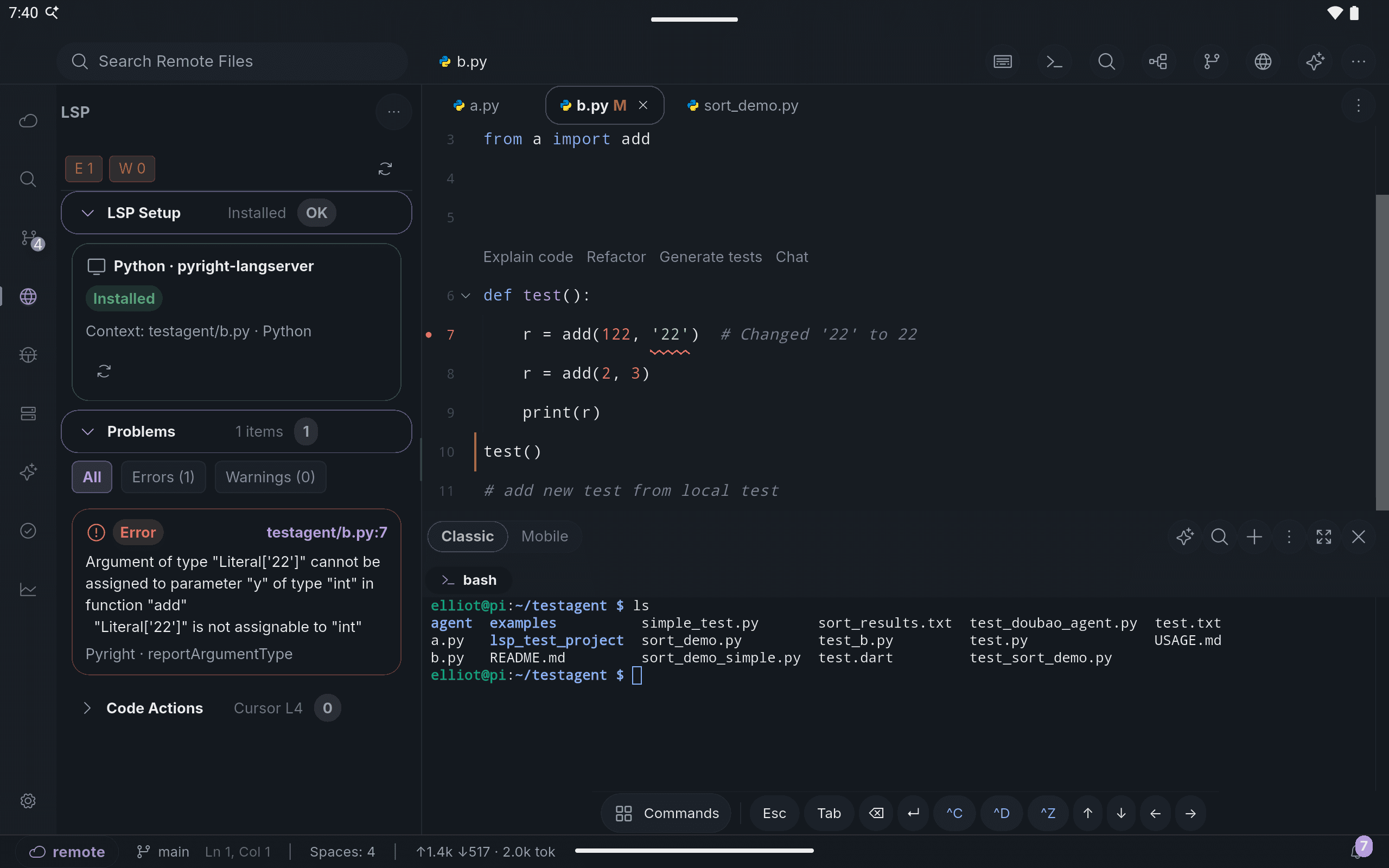
A deliberate hotfix loop
- Connect with SSH Workspace, then confirm the environment, branch and project root.
- Inspect the symptom with Terminal before changing a file.
- Open the smallest affected file and make a focused edit.
- Run the relevant test, build or health check.
- Use AI Chat and Agent for an explanation or plan when it adds context—not as an unreviewed deployment mechanism.
- Open Source Control, read the diff, then use Pro only if the delivery needs a gated Git write action such as commit or push.
If the environment, impact or verification path is unclear, stop and escalate. Mobile access makes an urgent task possible; it should not lower the standard for a safe change.