
Mobile Terminal
Terminal is the verification layer of a NimoteCode workspace. Run commands where you are editing, search the output, and keep the result connected to the files and the next decision.
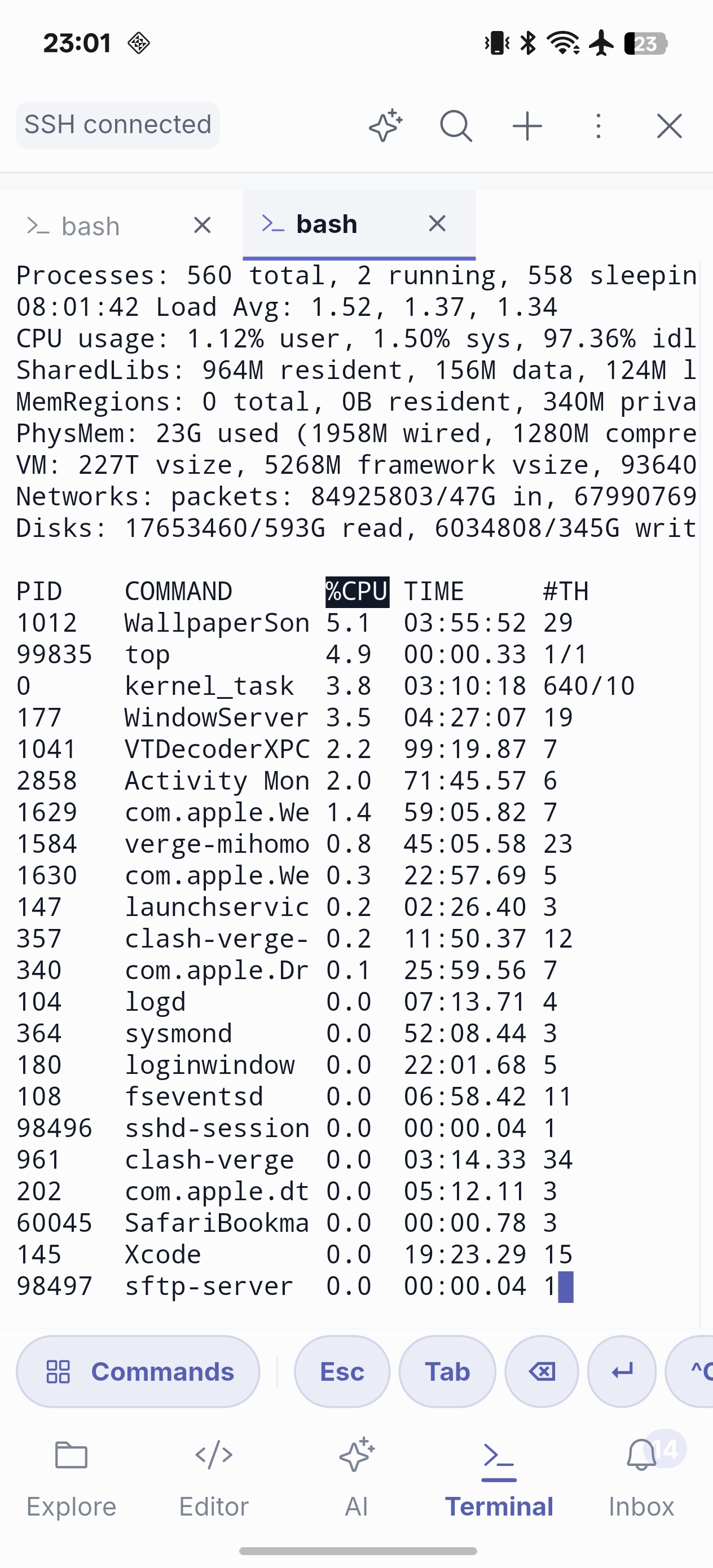
Core terminal workflow
- Run commands in the active local or SSH workspace.
- Inspect streaming output and search long logs for an error or warning.
- Use quick or custom commands for known routines.
- Open a URL emitted by a local or remote web project directly in the in-app browser preview; web links in AI replies and tool output use the same action.
- Send relevant output to AI Chat and Agent when interpretation would help.
- Resume remote work after reconnection, then verify host and directory before continuing. Terminal input is designed to preserve composing-keyboard text, key repeat and physical-keyboard shortcuts during mobile work.
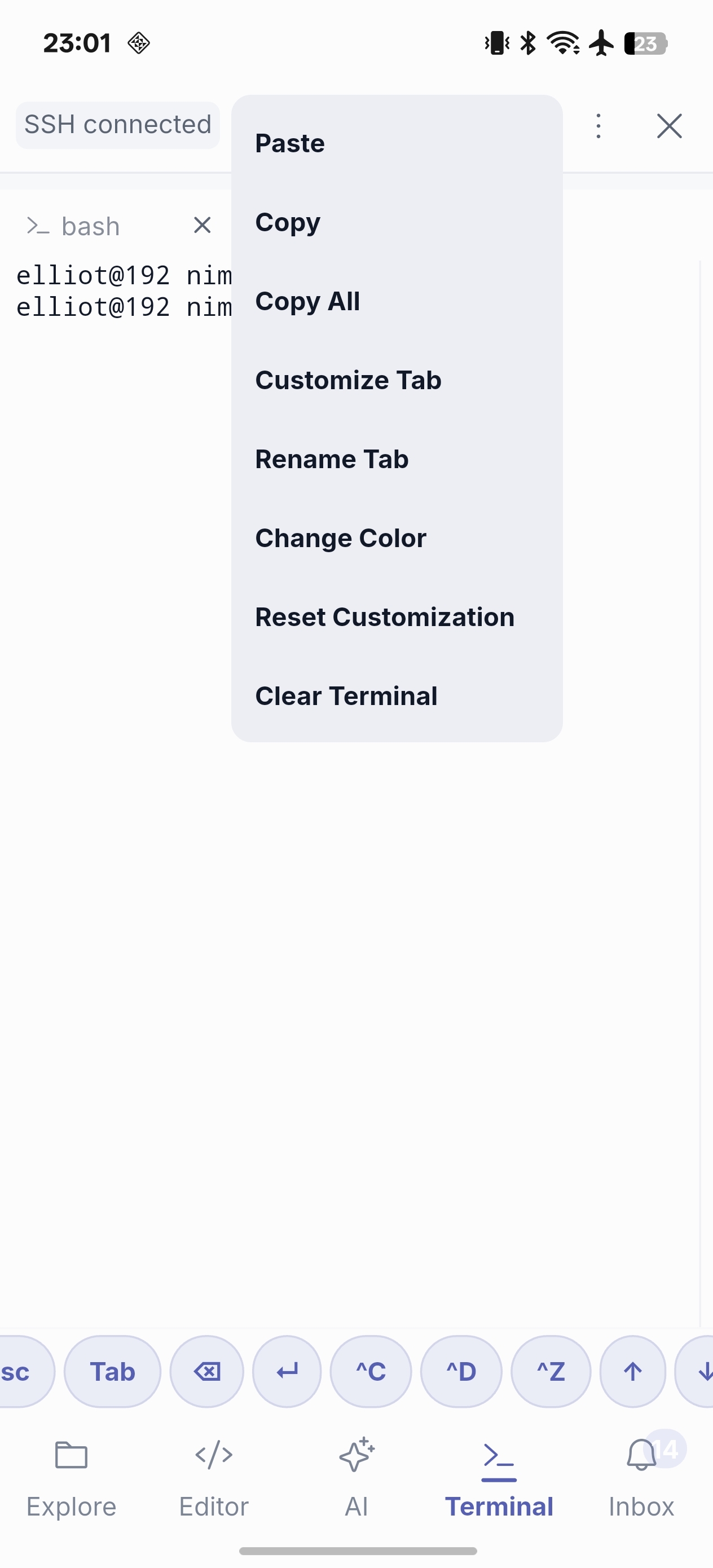
For SSH workspaces, the Terminal menu can refresh the remote account's login environment. Terminal, Tasks, Debug, language servers, Git, external CLIs, and ACP agents then use the same resolved shell environment, including its PATH, locale, and SSH-agent configuration.
When more than one shell matters
Pro provides advanced multi-terminal workflows for parallel contexts—such as one terminal following logs while another runs tests or a deployment command. Keep high-risk commands explicit and avoid treating a restored terminal as proof that the remote state is unchanged.
Next: SSH Workspace · Tasks · Terminal diagnostics