
Can You Code From a Phone?
Yes — for focused development work, not for replacing a desktop. Investigating an issue, making a small fix, running commands, reviewing a diff or driving an AI agent on your existing project are all realistic from a phone when the tooling is built for it.
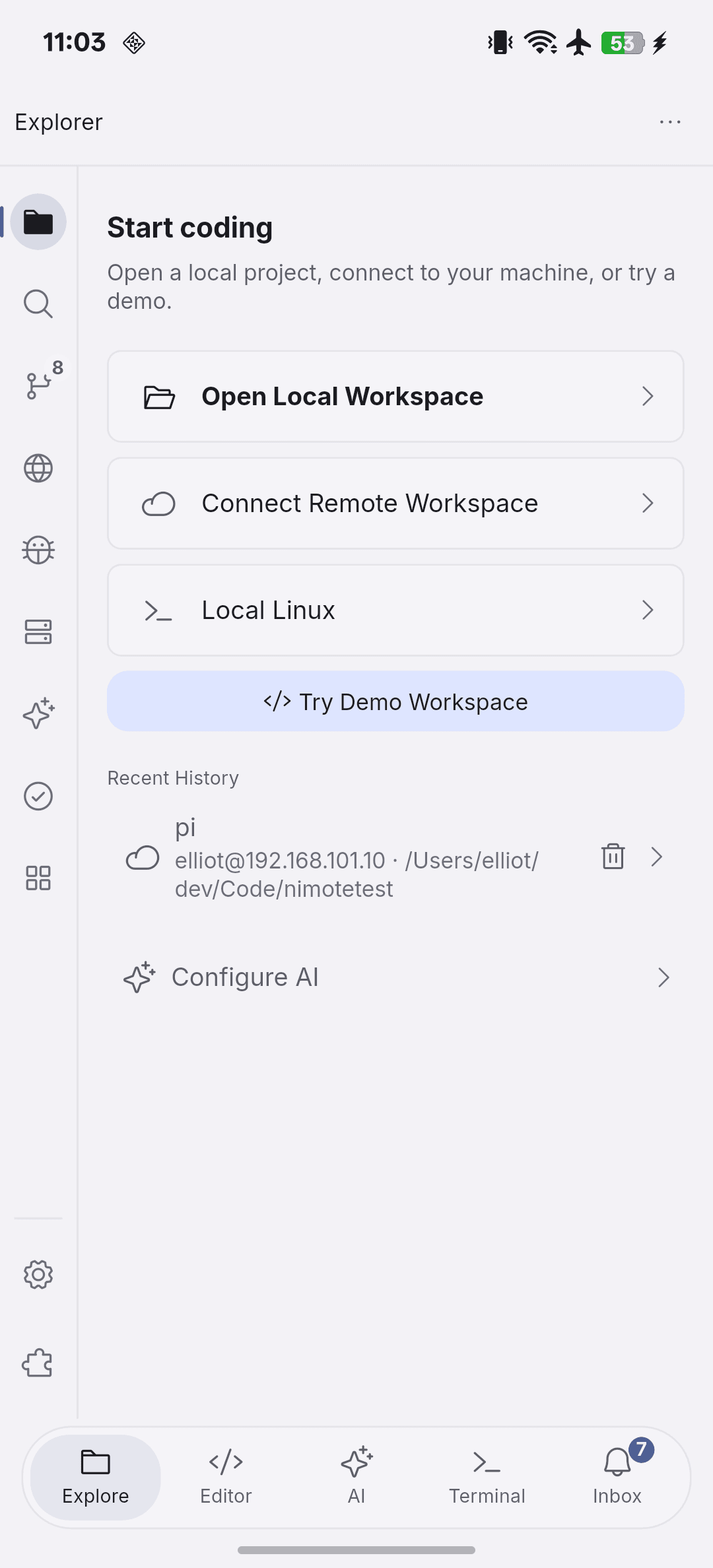
NimoteCode makes coding from a phone practical by connecting you over SSH to your own development machine, then putting the project Explorer, editor, terminal, Git and AI in one workspace. Computation and tooling stay on that machine, while the phone works on the same repository.
What coding from a phone really means
Coding from a phone works when the loop stays short: open the project, read the relevant code, make a narrow change, run a check and review the result. It breaks when tools force you to copy files and snippets between apps, or when you try to compile a large project locally on the phone. The reliable pattern is to connect to a machine you already own and trust.
When it is worth doing
- You are on call and need to investigate an error or apply a quick fix.
- You want to review a pull request or diff while away from a laptop.
- You need to keep a small task moving during travel.
- You want workspace-aware AI help on a real project, not a pasted fragment.
How NimoteCode fits
Open a local workspace for projects already on the device, or connect to your Mac, Linux machine or server with an SSH workspace. From there you browse files, edit in the editor, run commands in Terminal, review Git changes and use AI Chat and Agent — the same workflow you would run on a desktop, shaped for a mobile screen.
A realistic phone coding session
- Connect to your development host over SSH and open the project root.
- Find the relevant file in Explorer.
- Make the smallest safe change in the editor.
- Run the focused verification command in Terminal.
- Review the diff in Source Control before committing.
- Ask AI to explain the code or plan the next step when you get stuck.
Where coding from a phone is limited
A phone screen is smaller, so long cross-file refactors and heavy design sessions are harder. Local compilation of large projects is rarely practical on a phone — use your remote machine instead. Network quality affects every remote session, and you should keep AI suggestions and agent runs narrow and verified. These are real constraints; the useful question is which tasks still fit within them.
Frequently asked questions
Is it realistic to code from a phone?
Yes for focused work: investigating an issue, making a small fix, running commands, reviewing a diff or driving an AI agent on your existing project. Long-form feature work and heavy compilation remain more comfortable on a desktop.
How do I actually code from a phone?
The reliable pattern is to connect to your own development machine over SSH with a mobile development workspace, then browse, edit, run and review the project — instead of copying files or snippets between apps.
Which phones can run NimoteCode?
NimoteCode is available for Android phones and tablets on Google Play and for iPhone and iPad on the App Store.
Make the moments when you only have a phone productive.