
Why Existing Flutter Code Editors Broke Down When I Built a Mobile IDE
When I started building NimoteCode, I didn't plan to write a code editor. My assumption was simple: Flutter already has code editor packages, so I would just pick one and move on.
There are several solid options—code_text_field, flutter_code_editor, re_editor. They all solve a similar problem well: how to display and edit code inside Flutter.
So I did what most people would do: try to integrate one of them and focus on the "real product"—SSH, terminal, Git and AI workflows. That assumption broke quickly.
The problem wasn't editing code
The issue was this: I wasn't building a code editor. I was building a mobile IDE. And those are fundamentally different systems.
Where existing editors start to break
On paper, existing Flutter editors look complete: syntax highlighting, folding, autocomplete and basic selection handling. But once I connected real IDE features, cracks started to appear:
- SSH remote files instead of local strings
- LSP needing full document lifecycle sync
- Git diff depending on editor state
- Multi-panel UI sharing the same document
- Large files streamed instead of loaded
At that point, the editor is no longer a component. It becomes shared infrastructure.
The key architectural difference
Most editor packages are built around text rendering. A mobile IDE needs an editor core. That difference changes everything.
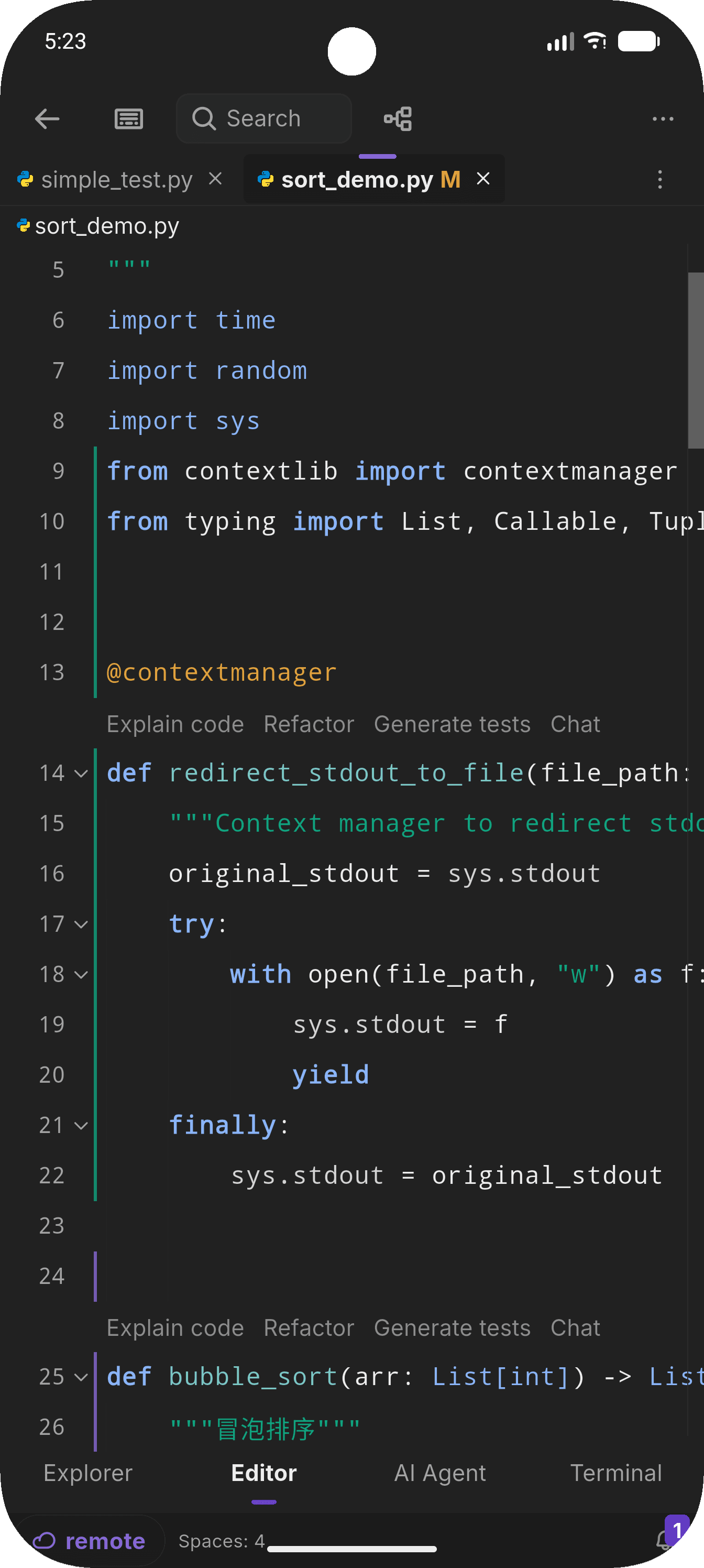
Instead of "a widget that edits text", you need a document model, a layout system, a state engine, and a sync layer for external systems. Once multiple systems depend on the editor state, it can't be passive anymore. It must become the source of truth.
Why I eventually built my own editor
The decision wasn't about performance or missing features. It was about control over the model. Existing editors assume local text, single-file context and UI-driven updates. My requirements were different: local and SSH remote files unified, LSP lifecycle tightly bound to editor state, Git diff tracking per tab, large files streamed in chunks, and a mobile-first selection and interaction model.
These constraints conflict with widget-level architecture. So instead of extending an editor, I rebuilt the core abstraction.
What I built instead
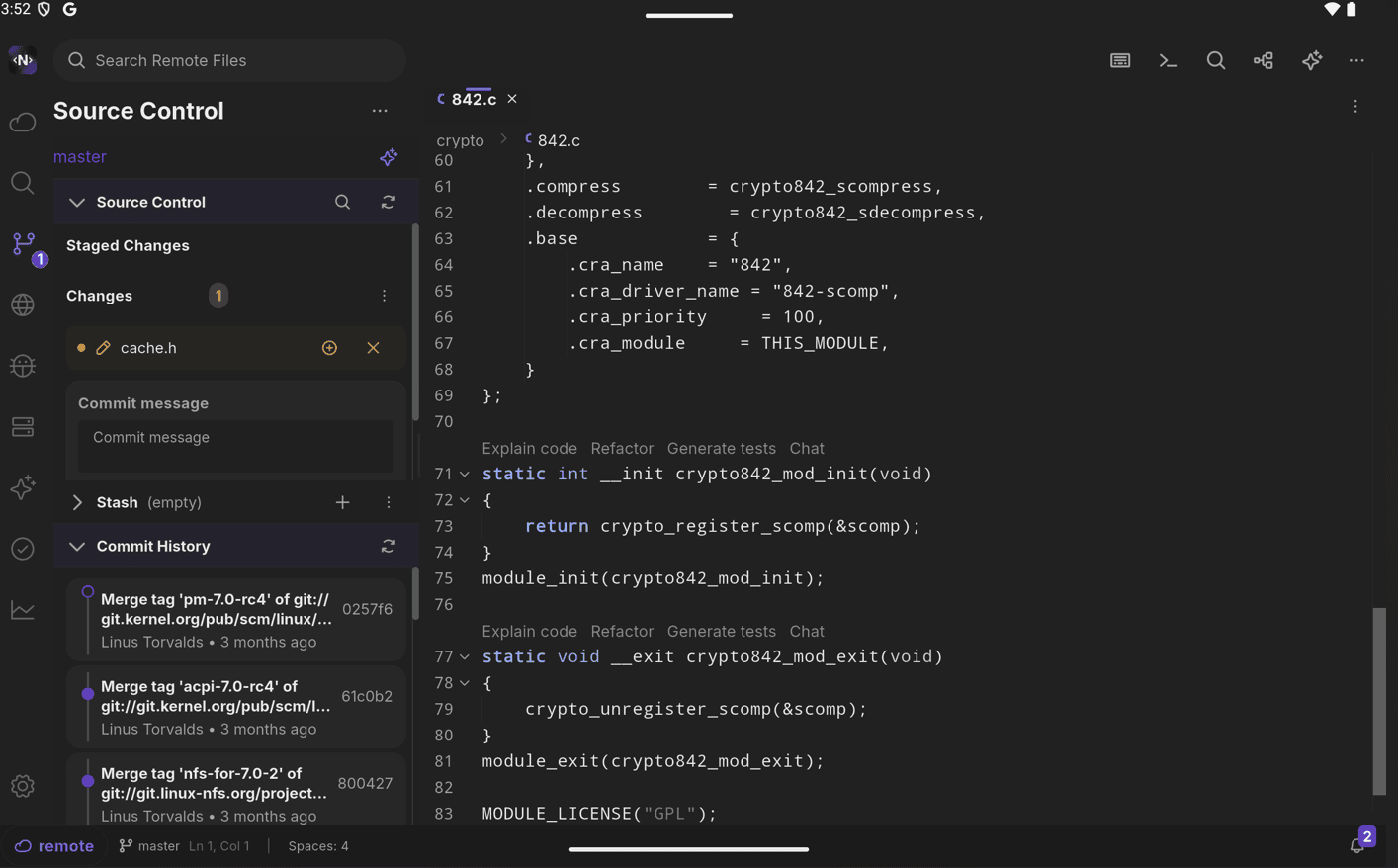
The editor is built around a shared core:
EditorStateas the single source of truth- A
FileLoaderabstraction for local and remote files - Streaming file ingestion for large files
- A Tree-sitter + LSP hybrid analysis pipeline
- Diff, CodeLens and symbols bound to the document model
- A mobile-first selection and coordinate system
The key idea: everything depends on the same document model—not the UI.
The real advantage of self-building
Rewriting the editor wasn't about adding features. It unlocked structural advantages:
- Remote-first is native, not patched — SSH files are first-class documents, not adapters.
- LSP becomes part of the lifecycle — synchronized with editor state, not a separate service.
- Git diff becomes state-aware — tab-aware instead of snapshot-based.
- Mobile editing is designed, not adapted — selection, handles and scrolling use a custom coordinate system.
- All IDE features share one model — no duplicated state between panels.
This is where complexity actually decreases long-term.
The conclusion I didn't expect
I originally thought I would save time by using an existing editor. The real outcome was the opposite: using an existing editor would have shifted complexity elsewhere. The problem wasn't syntax highlighting—it was system design. Once you treat the editor as infrastructure instead of a widget, rebuilding it becomes the simplest consistent choice.
I didn't replace a code editor. I replaced the assumption that a code editor is enough for a mobile IDE.
These decisions shape how the pieces work together—see the Editor, LSP, Source Control and SSH Workspace guides. For the broader picture, read I Built a Mobile IDE With ~90% AI-Generated Code and SSH + Mobile Coding Is Still Broken.
Related content
- Mobile IDE overview — the editor, SSH, terminal and Git as one system
- I Built a Mobile IDE With ~90% AI-Generated Code — the full build story
- SSH + Mobile Coding Is Still Broken — why the pieces had to be built together
About the author · Building NimoteCode, a mobile-first IDE built with Flutter and Rust. Follow the project on DEV.to · GitHub · X.