
LSP Diagnostics and Code Actions
The LSP panel adds language-aware feedback to an active remote workspace. With a compatible language server configured on the host, you can move from a diagnostic to the relevant source line and apply available code actions. LSP is a Pro workflow.
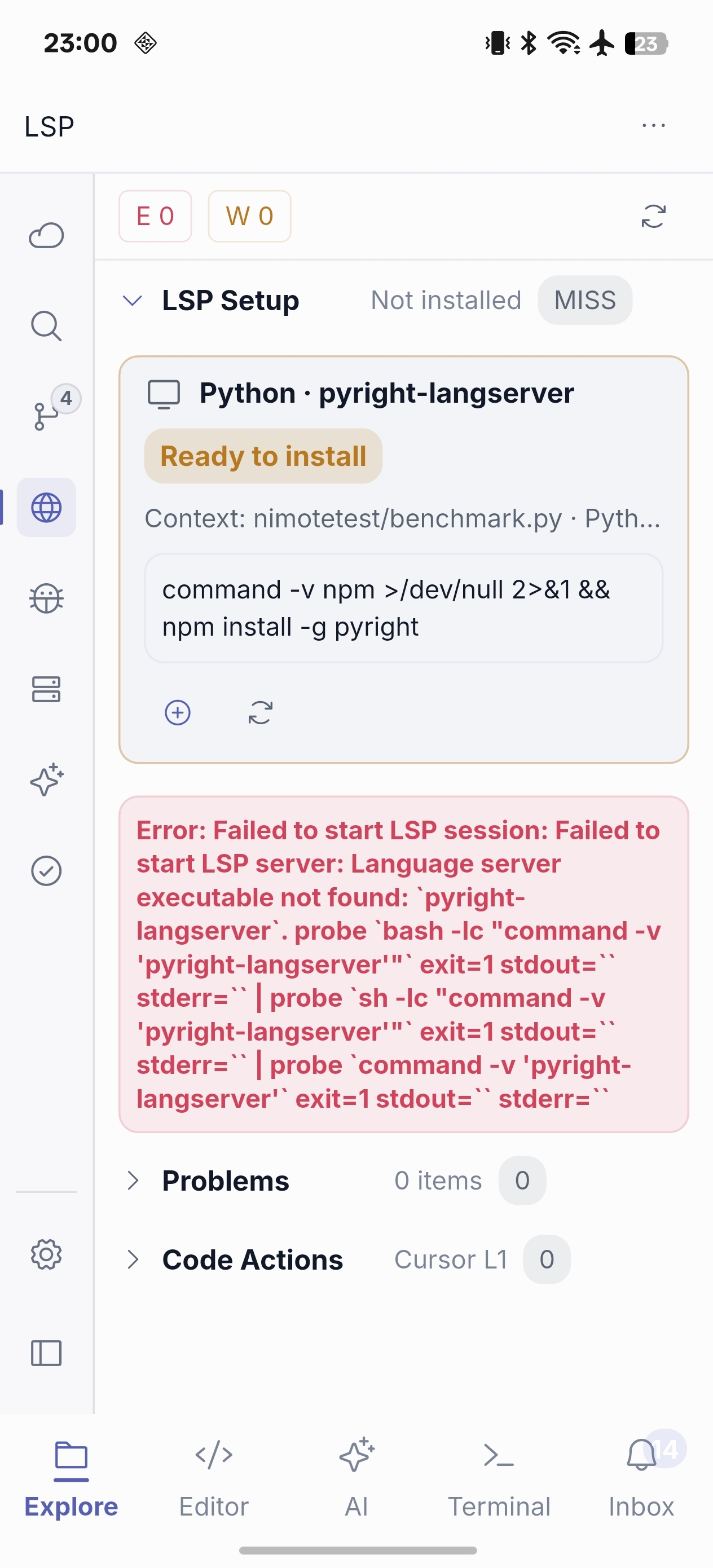
A practical LSP loop
- Set up and verify the language server for the remote project.
- Open LSP and filter diagnostics to the most important errors.
- Jump to the source location and apply a code action if one is offered.
- Re-run the relevant check in Terminal.
- Use Debug or AI Chat and Agent if the problem needs more context.
Language support depends on the tools installed and configured on your remote host. An unavailable code action is normal for some diagnostics; it is not a promise that AI or LSP can automatically fix every issue.