
Mobile Code Editor
The editor is where a workspace becomes a change. Open files from a local project, an SSH workspace or a search result; then keep the file connected to Terminal, AI and Source Control rather than moving between separate apps.
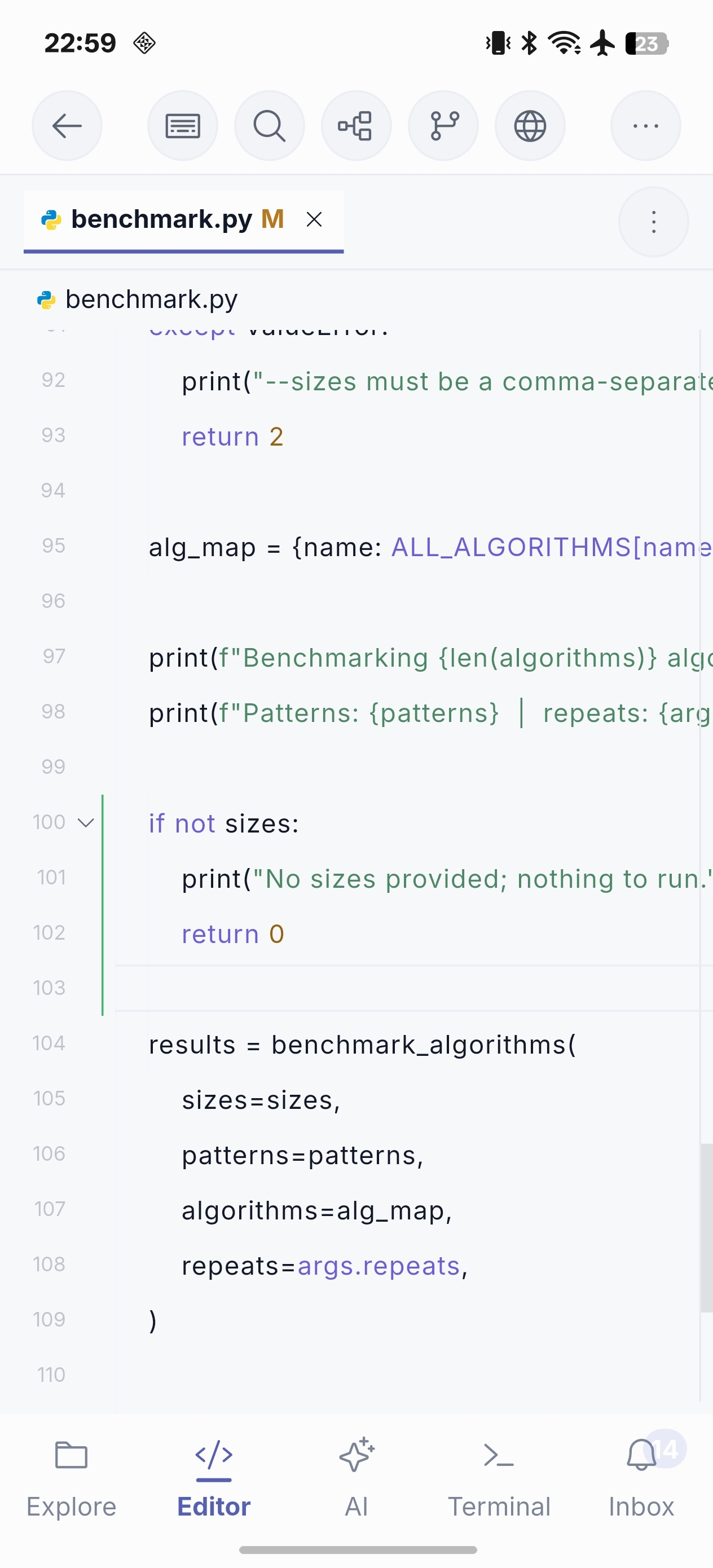
Designed for focused edits
- Keep several files open in tabs while following a small change.
- Open two files in split panes when you need to compare or edit related code side by side.
- Inspect images and play supported audio or video directly in the editor.
- Use copy, cut, paste, select all, undo and redo from the mobile editor.
- Track the current line and column while working through an error or review comment.
- Use an outline when symbol information is available.
- Keep the active file available as context for AI Chat and Agent.
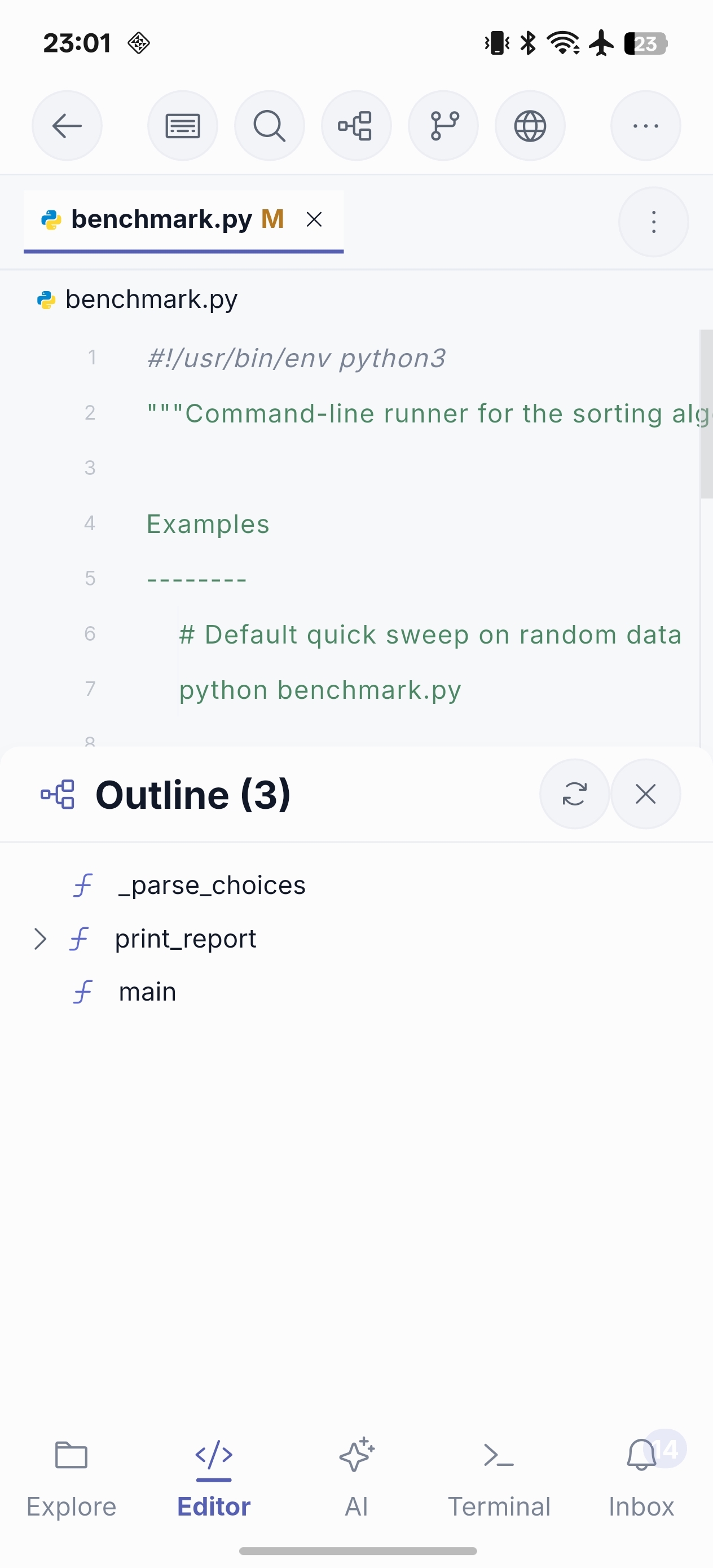
A good mobile editing loop
- Locate a file in Explorer or Search.
- Make the smallest useful edit and save it.
- Preview a local or remote web change in the app when the project provides a URL, then run a verification command in Terminal.
- Inspect the resulting diff in Source Control; use Pro if the delivery needs a gated Git write action.
For long, exploratory work a desktop may still be the better tool. The editor is optimized for the focused task that needs to happen now.