
Claude Code From Phone: A Reviewable Remote Workflow
Using Claude Code from a phone is feasible when it runs on a development host you can reach securely. The CLI is only part of the job. To make the work trustworthy, you still need the repository, command output and Git diff within reach.
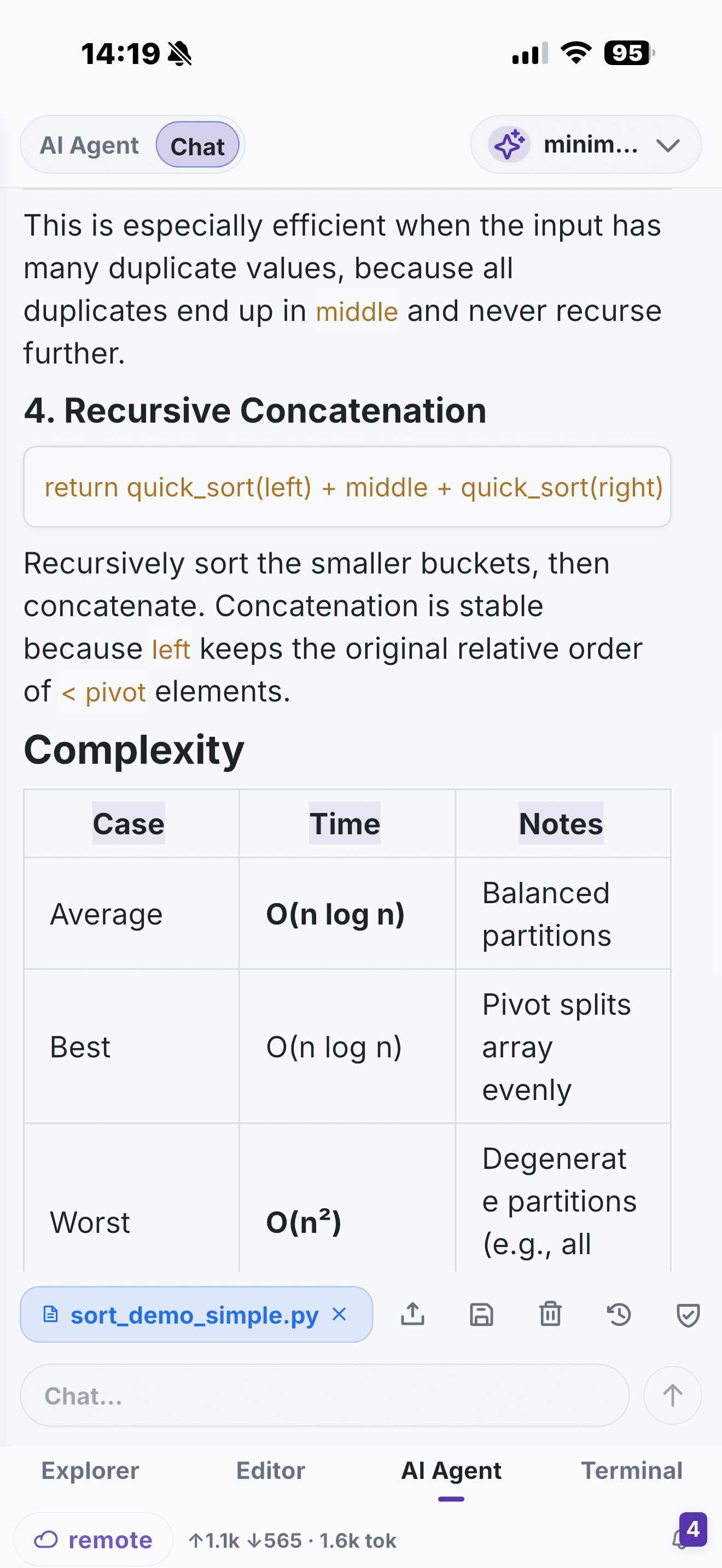
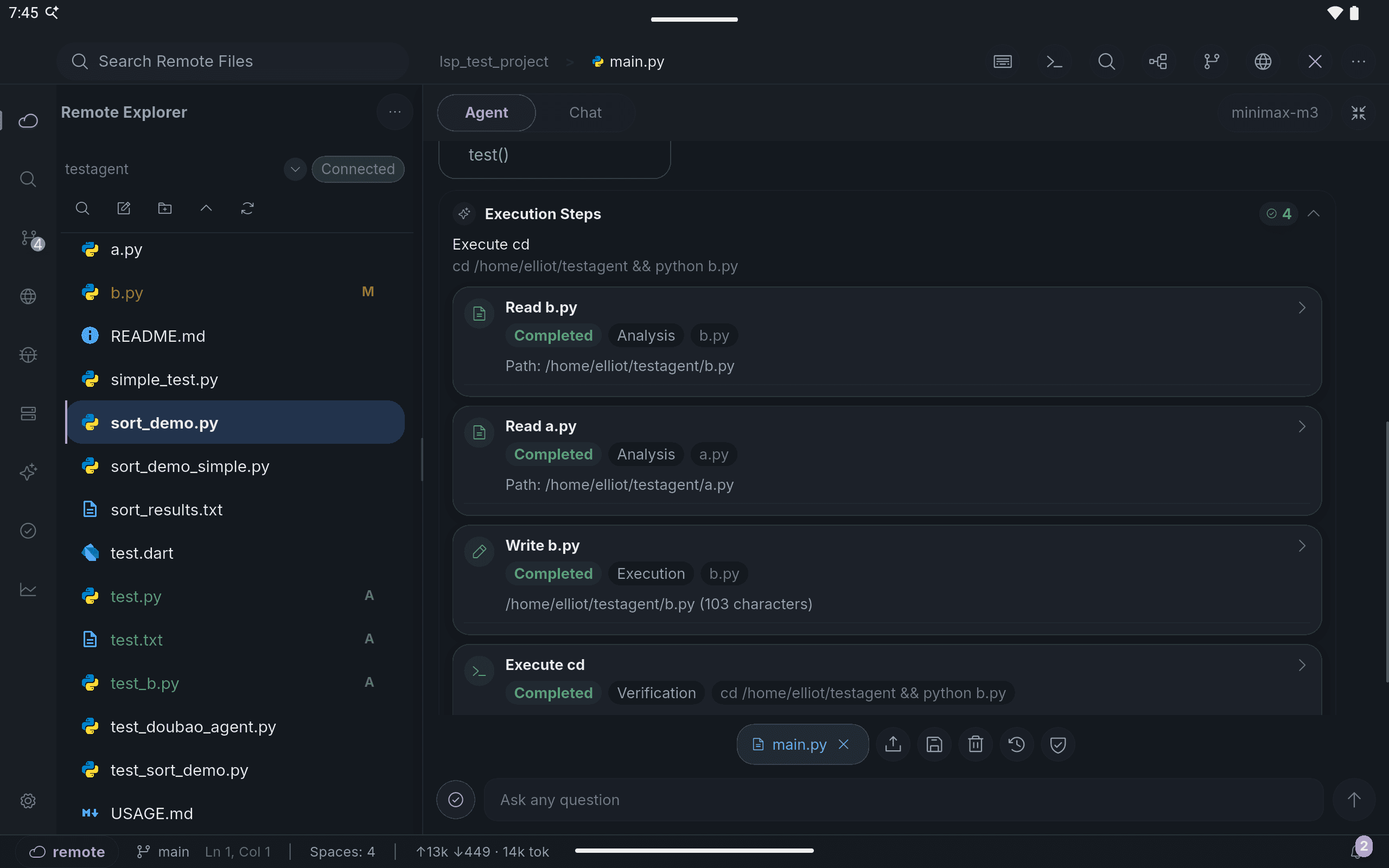
Use the remote host as the execution environment
Set up Claude Code on your development machine or server according to its official requirements. Then open that host in NimoteCode's SSH workspace. The mobile device is your workspace client: it gives you terminal access to the existing session while keeping remote files and source-control review next to it.
Keep every agent loop observable
For each task, use a simple pattern:
- State one clear goal in the remote session.
- Inspect the files and implementation path it identifies.
- Check any proposed edit in the editor instead of trusting a summary.
- Run the smallest meaningful test or validation command.
- Inspect the Git diff before commit or push.
This pattern is useful for a small fix, a code explanation or an on-call investigation. It does not require NimoteCode to impersonate Claude Code; it gives the remote CLI workflow the project controls that mobile work needs.
Use in-app AI thoughtfully
NimoteCode also offers its own configurable AI Chat and Agent workflows. Use them for workspace-aware questions or controlled tasks when they are the better fit, and keep review enabled for any remote or production-adjacent action. See AI Chat and Agent for configuration details.
Keep the remote agent session, repository and Git review in one mobile workspace.
Related: Claude Code From Phone landing page · Codex From Phone · SSH IDE