
Codex From Phone: Keep the Agent Close to the Repository
Using Codex from a phone starts with the same principle as any remote coding-agent workflow: the agent should run where the repository and tools live, while you retain a way to inspect what it changes. An SSH-connected mobile workspace gives you that path without splitting the task across a terminal app, an editor and a separate Git client.
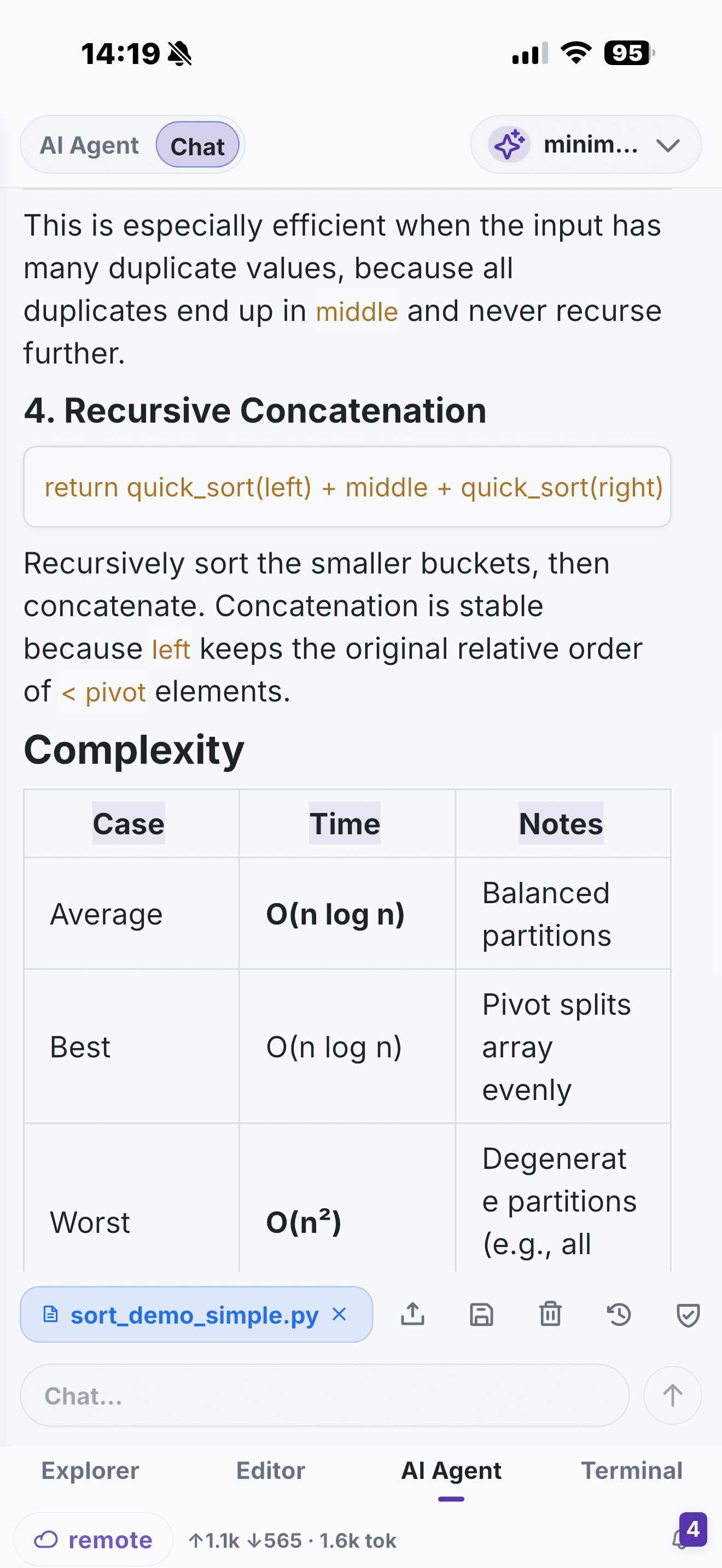
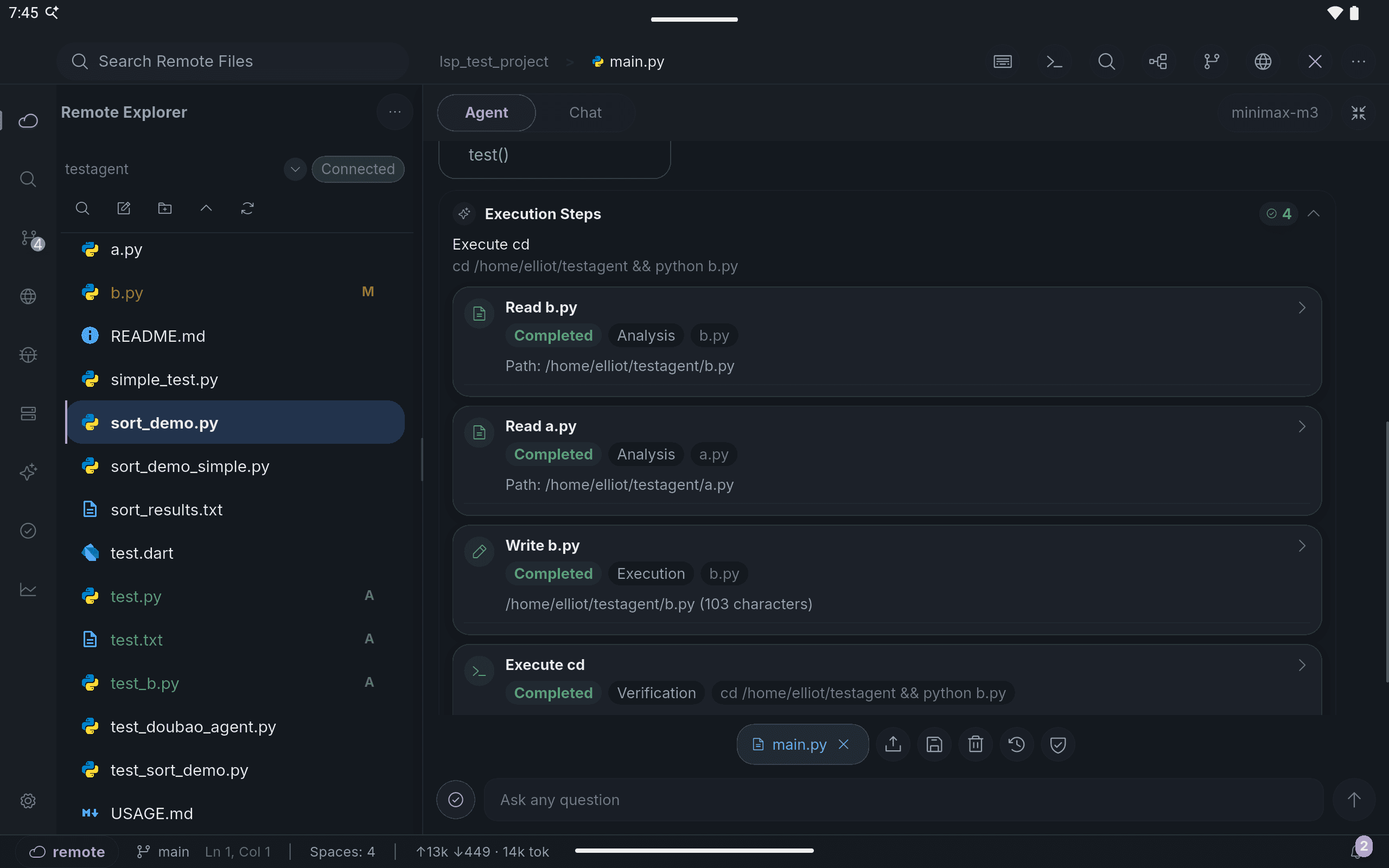
A focused remote setup
Configure Codex on the development host your team uses, following your organisation's authentication and security requirements. Connect to the host in NimoteCode, open the repository root and use the SSH terminal to start or continue the relevant session.
The mobile review loop
When Codex explains or modifies code, do not stop at the terminal summary. Open the affected file in the editor, check commands and test output in Terminal, and inspect the final result in Source Control. This keeps the workflow useful even when you have only a few minutes away from your desk.
Pair remote Codex with workspace AI
NimoteCode can also be configured with compatible AI providers for in-app Chat and Agent tasks. That is separate from using a remote Codex CLI. Choose the path that suits the task, but keep the same safeguards: a clear objective, review of generated edits and an appropriate validation command.
Continue a remote coding-agent task without losing the project and Git context.
Related: Codex From Phone landing page · Mobile AI Coding · Claude Code From Phone