
Configuration Guide
Set up NimoteCode around the work you actually do. A small, tested configuration is safer and more useful than a large catalog of profiles you do not recognize under pressure.
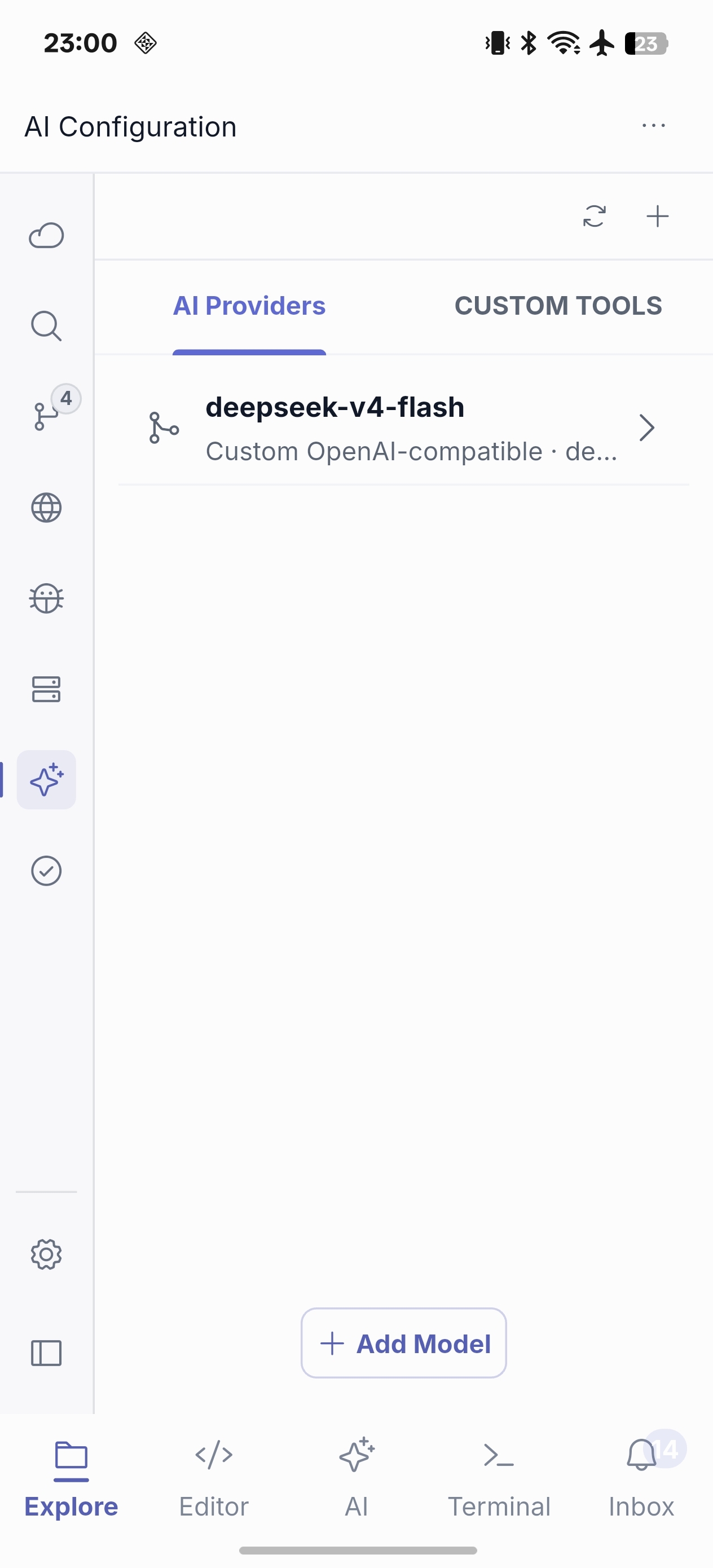
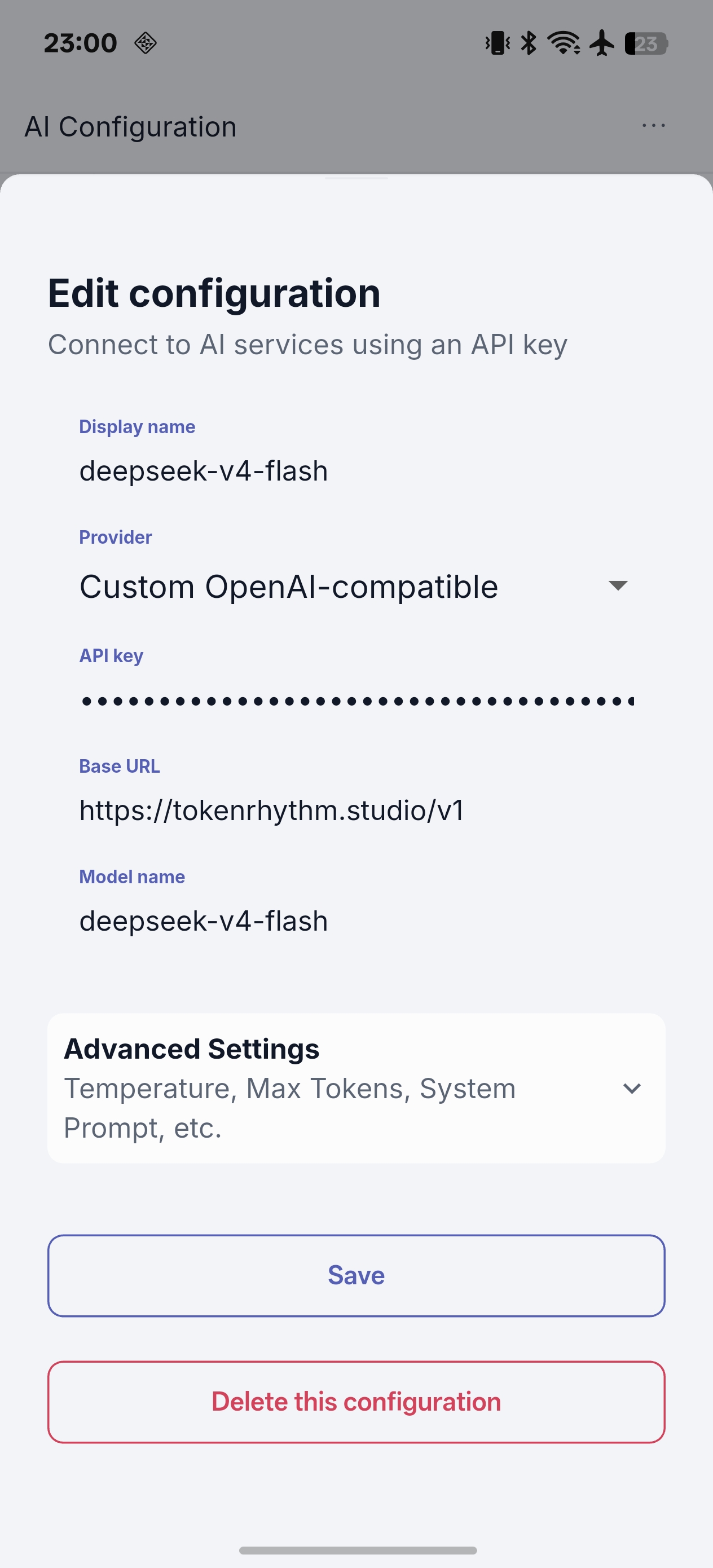
AI: keep a primary and a backup profile
Add the provider endpoint, credential and model you plan to use; then verify it in AI Chat before relying on Agent. A primary profile and a tested fallback help balance reliability and cost. Choose lower randomness for precise code tasks, use streaming when it improves responsiveness, and set context behavior deliberately.
SSH: name the environment, then set the boundary
Create one profile per environment, with a recognizable name, host, port, user and authentication method. Confirm the workspace root after connecting. Prefer key-based access and least-privilege accounts for sensitive hosts; never assume a familiar profile still points to a safe environment.
Tasks: record known procedures, not guesses
Create clear tasks for build/test, format/lint, health checks and log inspection. Group them by purpose and make any restart, deployment or data-changing command unmistakable. Tasks run through an SSH workflow, so validate access and current directory before execution.
Ready-to-work checklist
- AI Chat returns a response from the intended profile.
- The SSH profile reaches the intended host and project root.
- One low-risk terminal command works in the workspace.
- One well-understood task runs successfully.
- If you use Pro Git workflows, Source Control can read the repository state before you write anything.
Continue with Settings · AI Chat and Agent · Security and Safety