
Android Local Linux
Requirements
Local Linux provides Ubuntu, Bash, Git, and SSH on Android 8+ with a 64-bit ARM64 or x86_64 app. It uses PRoot and requires no Android root access. It is unavailable on iOS and 32-bit ARM devices. Language toolchains, language servers, debug adapters, and external Agent CLIs must be installed separately.
Install and open
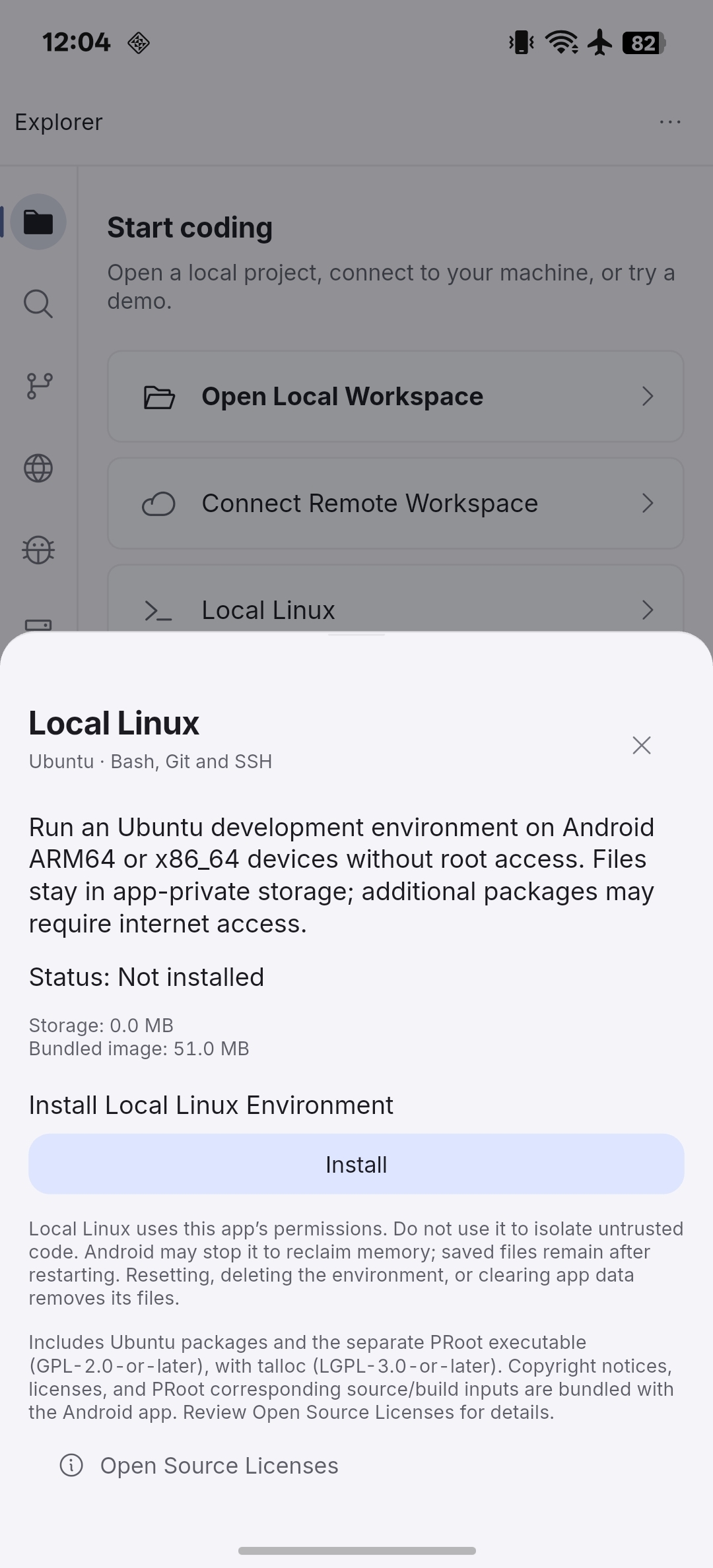
- Select Local Linux from the welcome screen or Explorer.
- Select Install and wait for installation to finish.
- Start the environment and open its workspace.
The initial installation uses a bundled image. Additional packages may require an internet connection. Environment files are stored in app-private storage.
Verify the environment
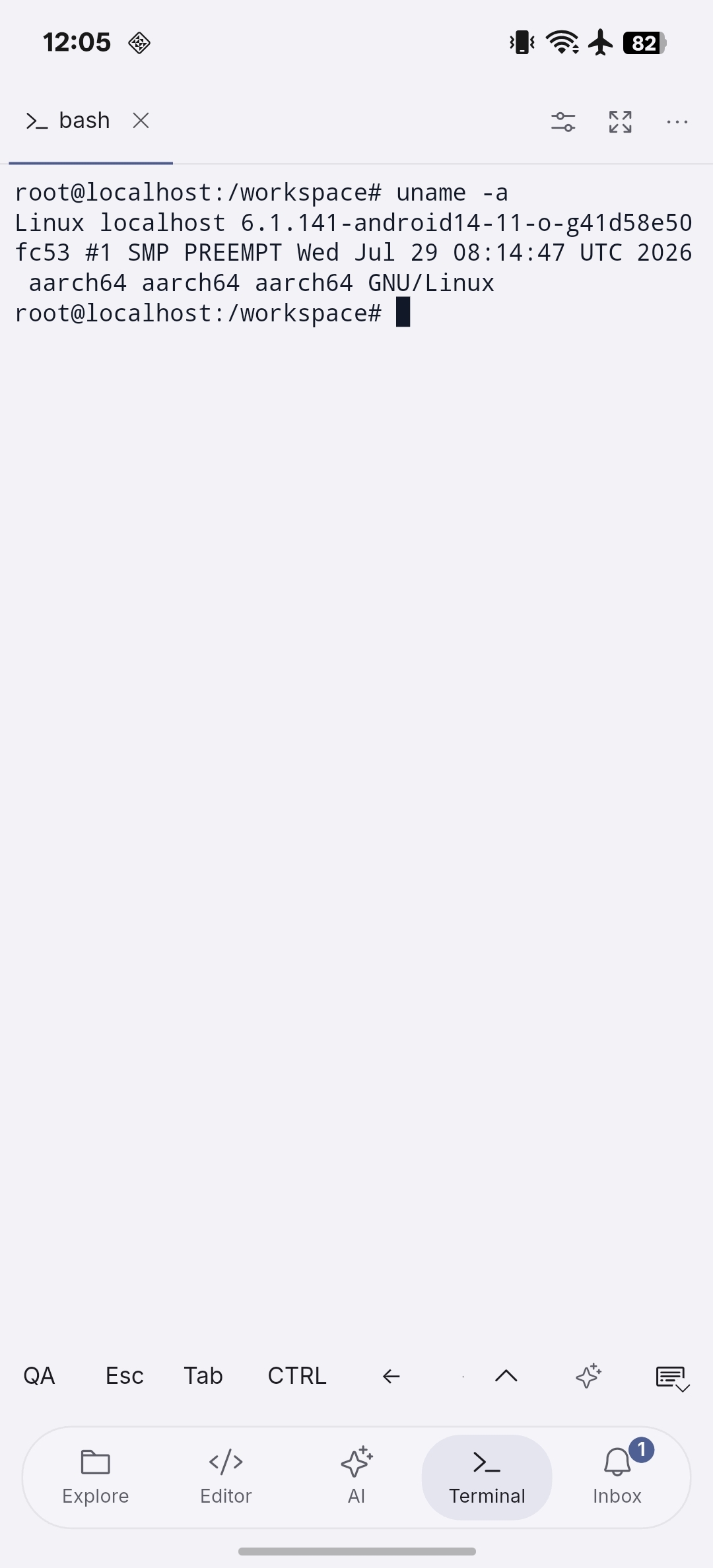
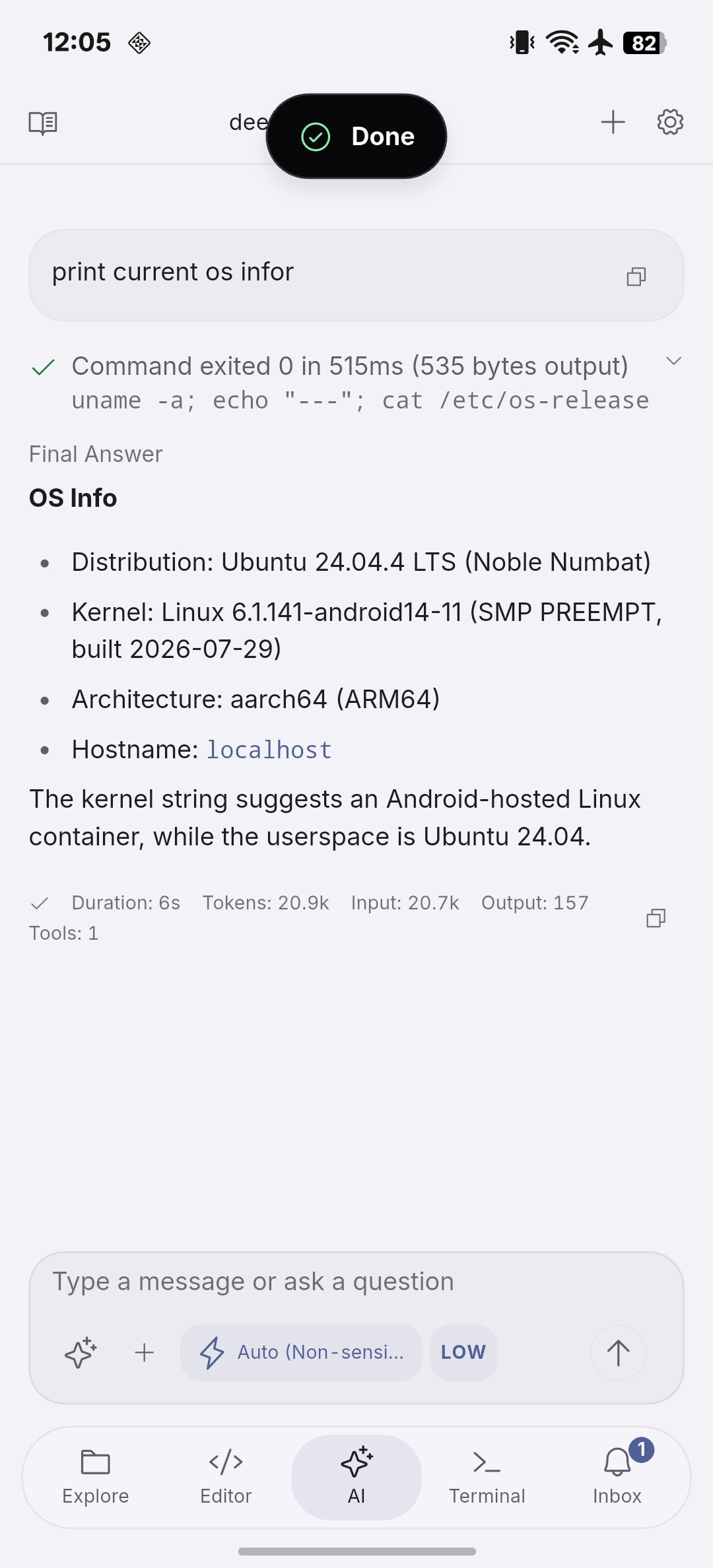
Open Terminal and run uname -a to inspect the kernel and architecture. Use cat /etc/os-release to identify the Linux distribution. Local Linux shares the Android host kernel; the kernel name alone does not identify the Ubuntu userspace version.
Stop, reset, or delete
Use the Local Linux controls to manage the environment. Stopping it ends active work; starting it again uses the existing environment. Resetting, deleting, or clearing app data removes environment files. The built-in SSH service listens on loopback for the app’s connection. Android may stop background processes, so check the environment after returning to the app.
Reference
Setup · Architecture · Compatibility · Security and integrity · Presets · Troubleshooting · Source and licenses