
Remote Code Search
Search helps you answer a focused question in an SSH project: where is this configuration value, error string or function used? It searches remote workspace content and opens matches directly in the editor.
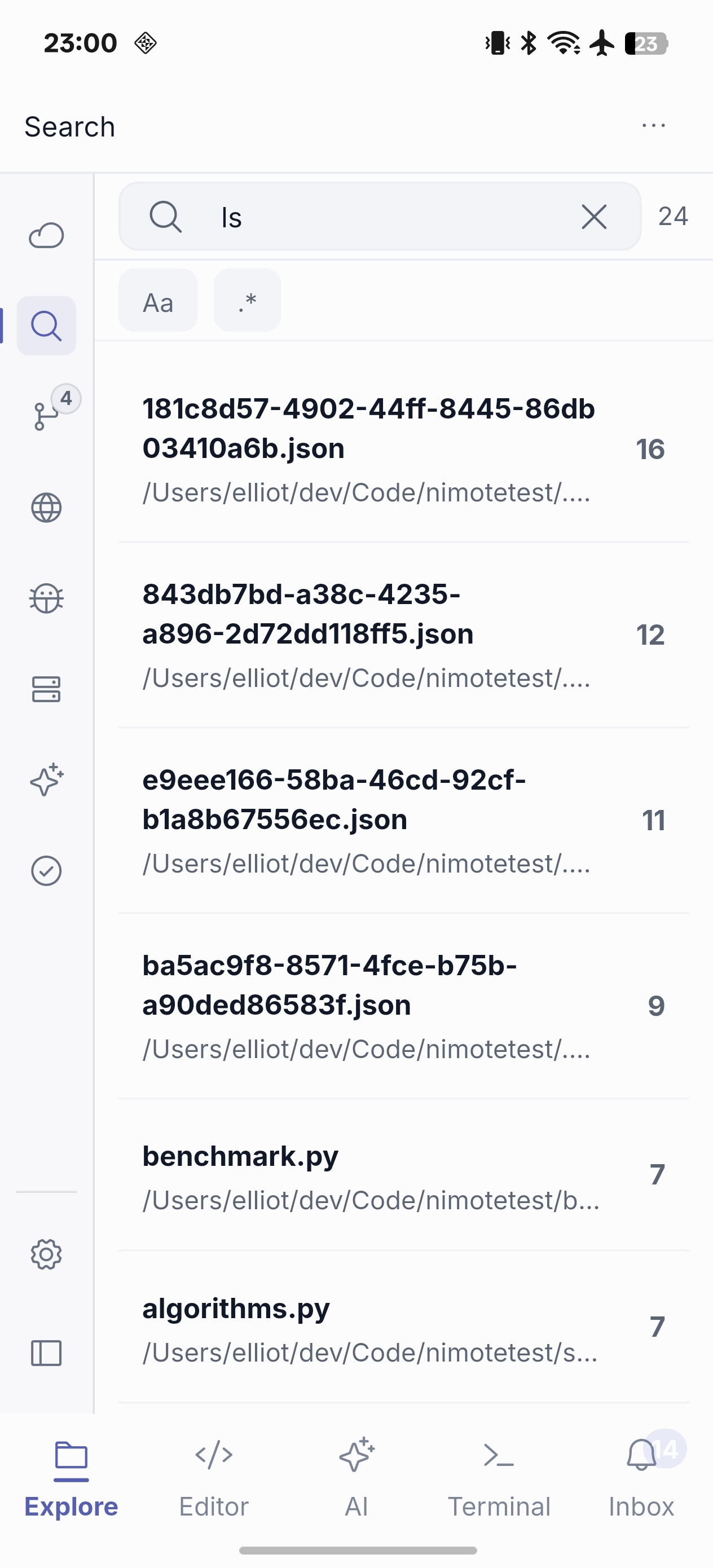
Find the right line quickly
- Connect to an SSH Workspace.
- Enter a keyword, or enable regex for a deliberate pattern.
- Narrow results with case-sensitive matching when needed.
- Open the matching result and continue in Editor.
Remote content search is available through Early Access Pro as availability expands; it does not use a free usage quota. Keep patterns specific on large repositories to make a mobile investigation easier to scan.