
Notifications
Notifications surface completed or attention-worthy workspace activity on the device. Use the notification as a cue to return to the relevant workspace, then verify the active host, directory and result before taking the next action.
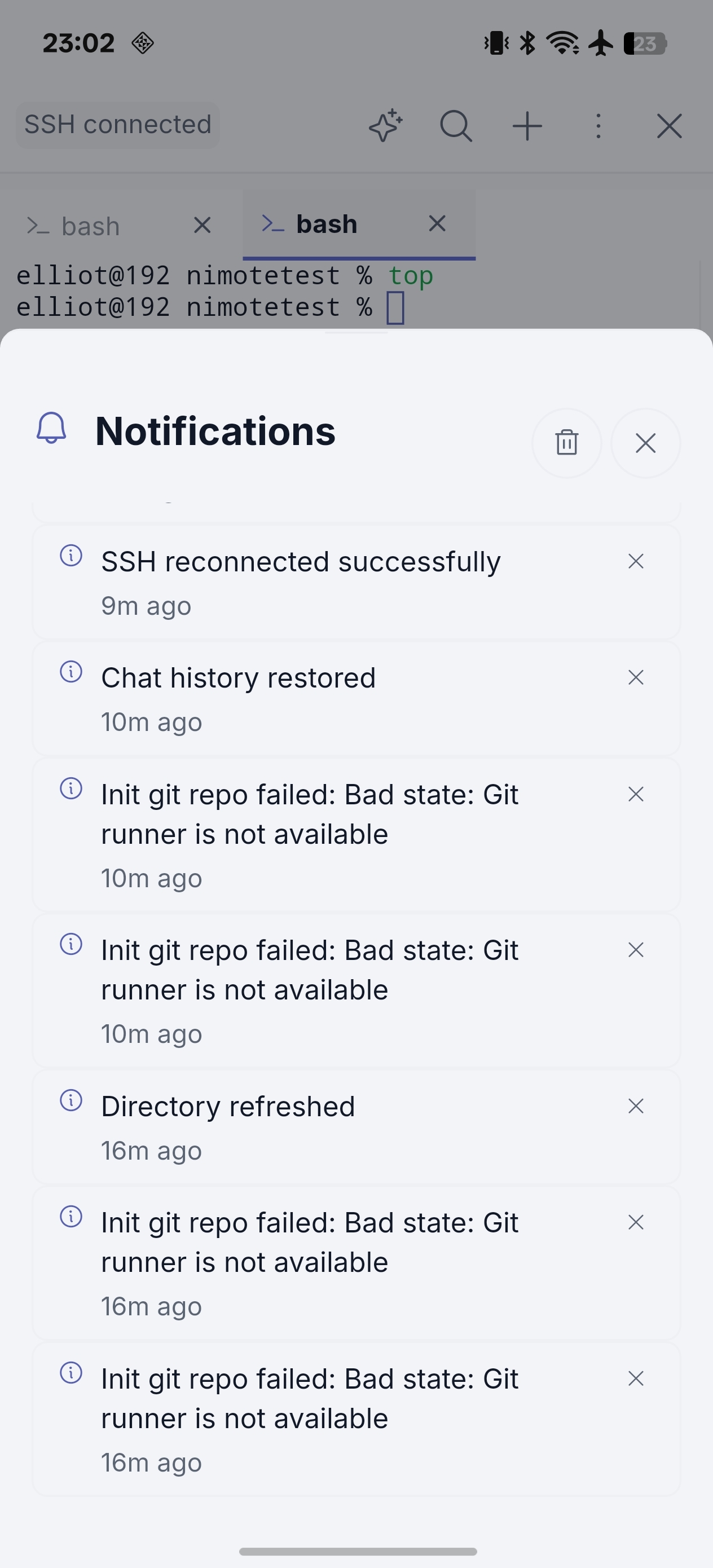
A safe notification workflow
- Open the related workspace rather than assuming the notification reflects the current remote state.
- Check the active host and project directory.
- Read the terminal, task or agent result in context.
- Review any proposed command or file change before applying it.
For routine work, keep Tasks and Terminal names explicit so a notification is easy to interpret on a small screen.