
Settings
Settings helps the workspace feel predictable on the device you actually use. Start with readability and input, then verify account and subscription status when you need Pro features.
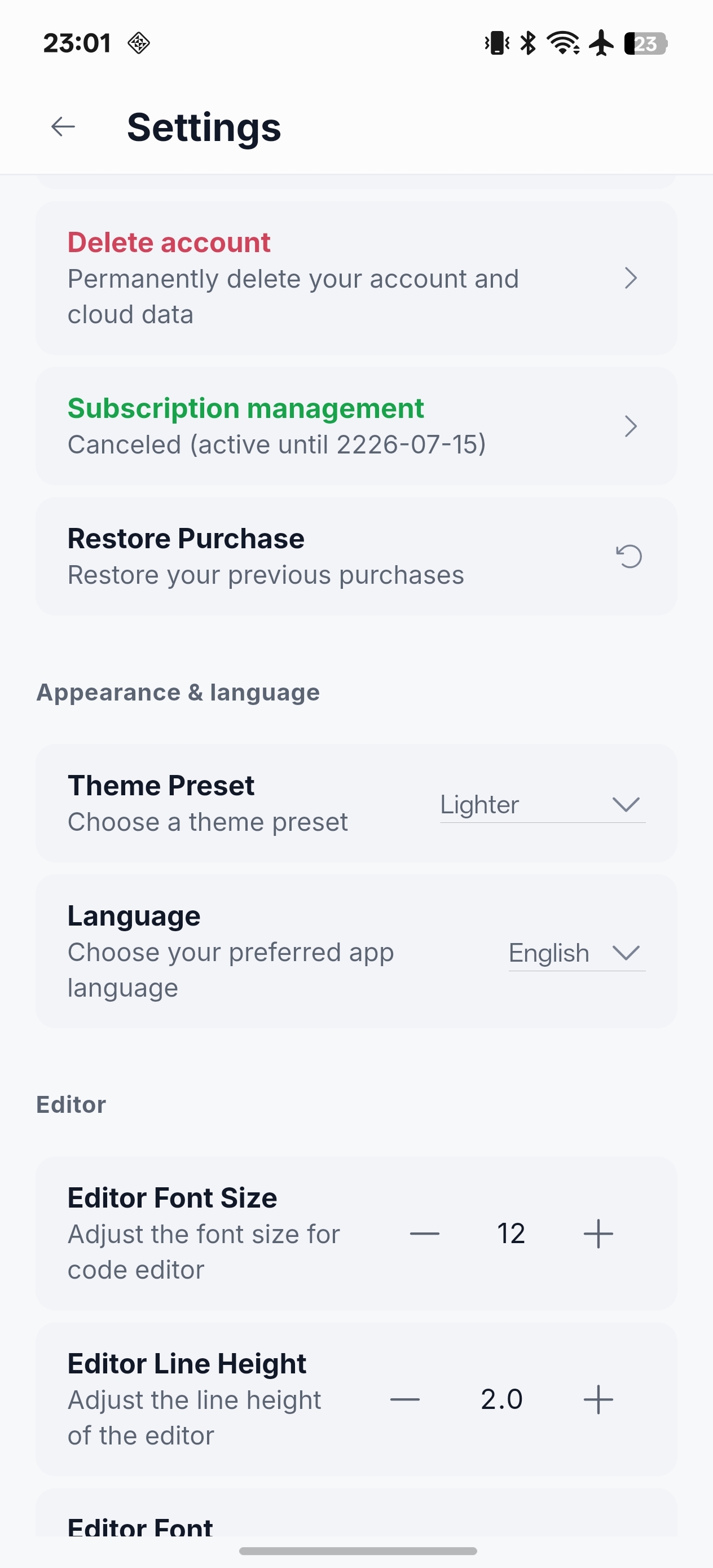
AppearanceChoose the app and IDE theme, then switch the interface language where needed.
EditorAdjust font family, size and line height for the amount of code you read on your screen.
KeyboardConfigure soft-keyboard behavior, feedback, number/function rows, gestures and function-key mappings.
AccountReview sign-in, subscription state, purchase management and restore-purchase options.
Open-source noticesReview licenses and attribution for Codex, xterm, Flutter packages and other bundled open-source software.
Recommended first setup
- Choose a theme and type size that keeps code readable without constant zooming.
- Enable only the keyboard controls that help your normal language and shell workflow.
- Confirm the account and subscription status before a time-sensitive Pro workflow.
- Add AI and SSH connection details from Configuration, not in a hurry during an incident.
For policy and account-request links, use the entries provided inside the app or the site footer.