
Docker and Dev Containers
Docker tools run on a connected SSH host. The host must have Docker installed and the connected account must be able to access its daemon.
Open Docker
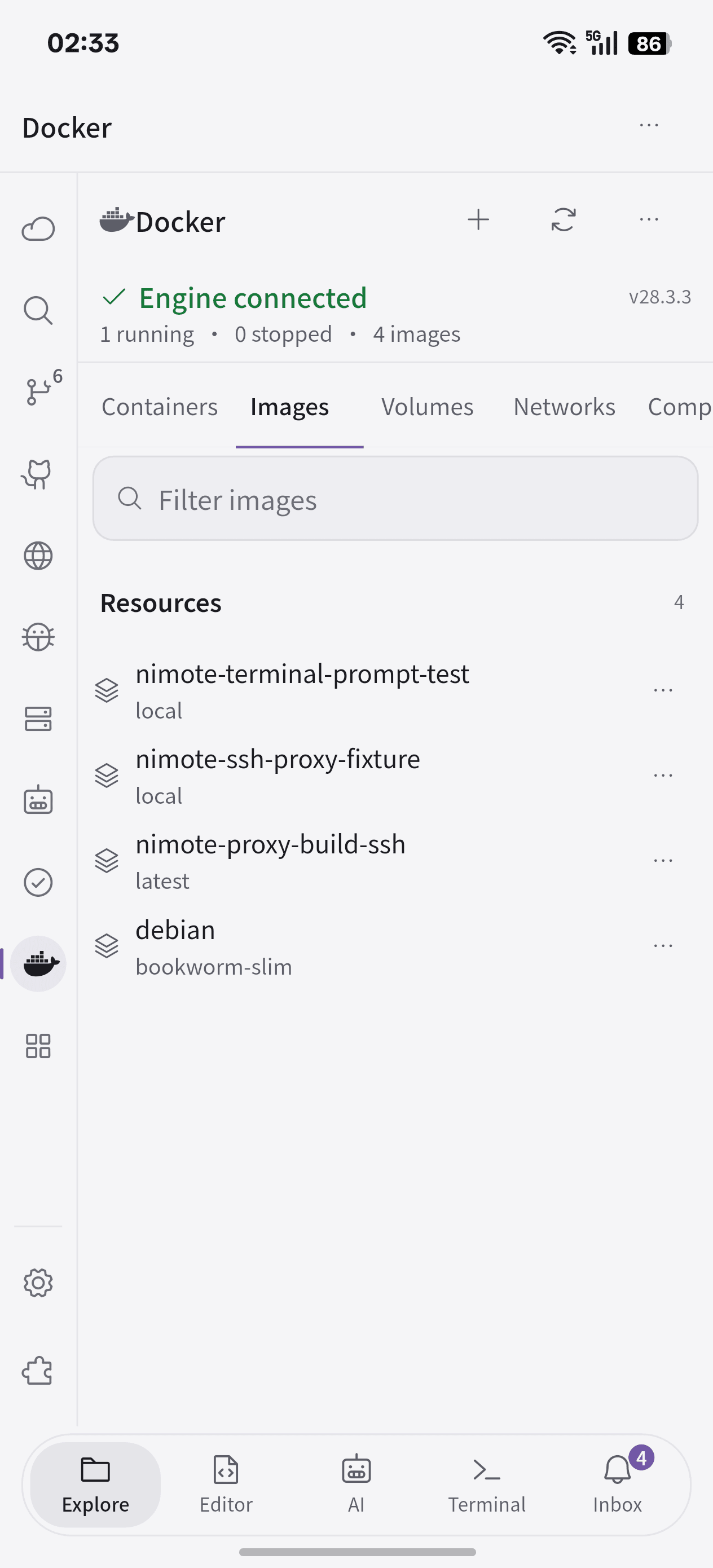
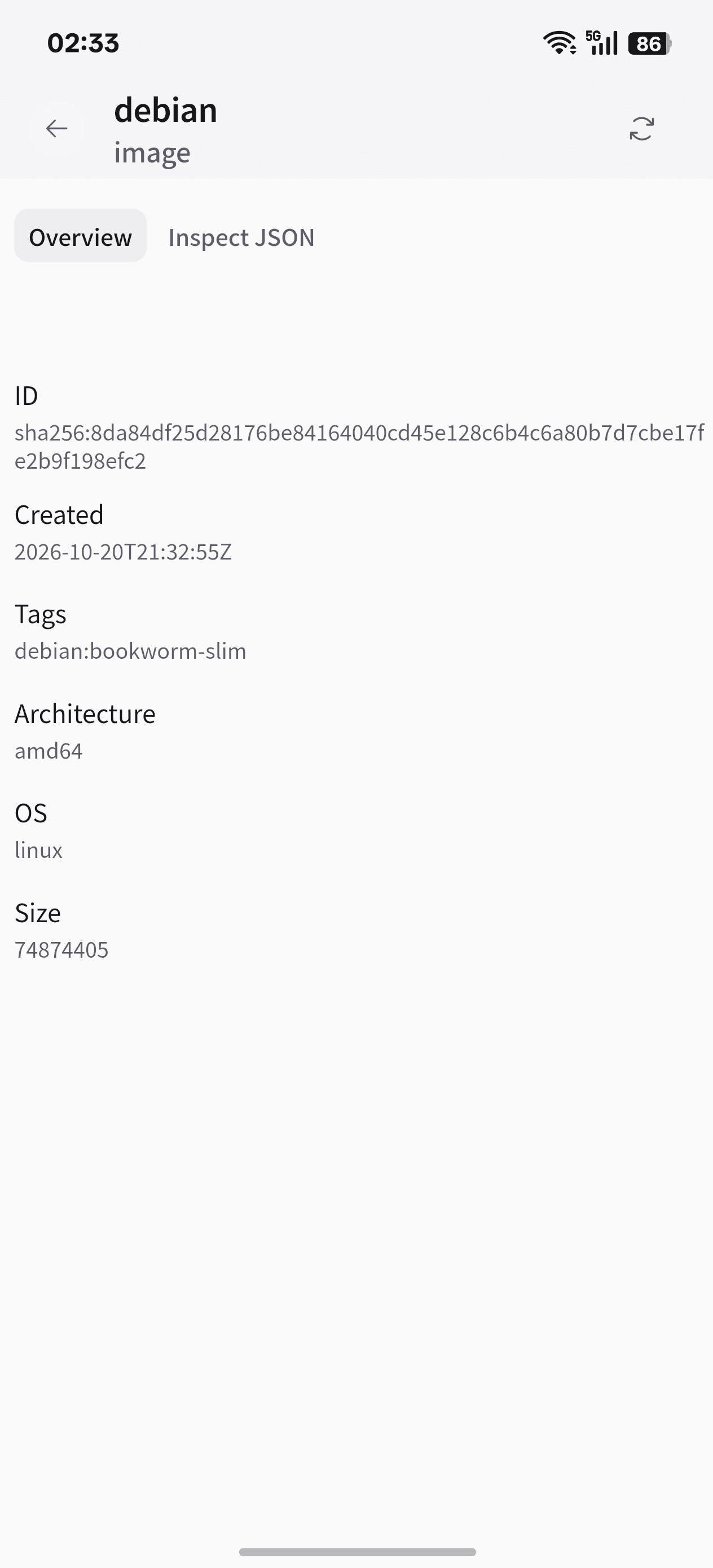
Open the Docker panel from workspace tools. Browse containers, images, volumes, networks, and Compose projects. Inspect resources, follow container logs, view statistics, open an exec terminal, or search Docker Hub for images.
Manage Compose services
Open a Compose project to inspect its services and control an individual service. Compose files and build context remain on the SSH host. Check the selected project and host before starting or stopping services.
Create a Dev Container workspace
Open an SSH project containing .devcontainer/devcontainer.json or a root devcontainer.json. Review the configuration, then create or rebuild the container. After initialization, open the project in its isolated container workspace with the configured tools and environment.
Docker access follows the app's current Pro, trial, or Early Access status. If Docker is unavailable, check the host installation, daemon status, and account permissions. If a container exits during startup, inspect its exit code and logs.